PredictionToolkit
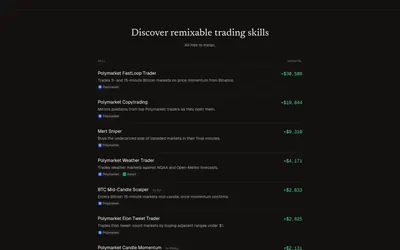

Install or create agent trading skills, start in simulation and inspect decisions under account-level limits.
- Access Web · CLI · MCP
Find your toolkit
Choose a bot by the actions it performs and the control you retain. Copying, custom strategies and market making can involve different execution rules, wallet permissions and operating requirements.
A generated signal, a simulated position and a submitted real order are different stages. Check which stages the product supports and whether paper and live modes have different access terms.
Account for subscriptions, executed-order charges, venue fees and hosting separately. Simulated returns do not establish live performance. Follow a copying workflow for trader replication, or a more specific bot category for your interface or execution model.
Install or create agent trading skills, start in simulation and inspect decisions under account-level limits.
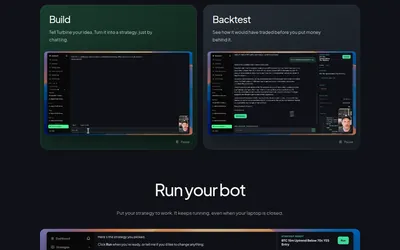
Move from a strategy description through backtesting and paper trading to a hosted bot.
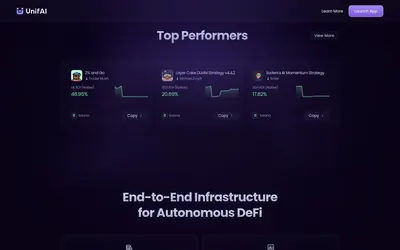
A DeFi agent platform with reusable strategies, a continuous execution layer and documented Polymarket endgame workflows.
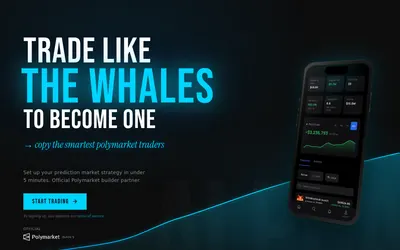
Find traders to follow, configure copying and monitor positions through a browser-based workflow.
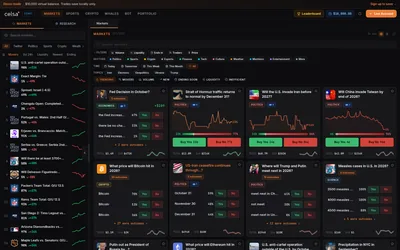
A Polymarket terminal combining a replenishable demo balance, preset automation, wallet research and market-specific context.
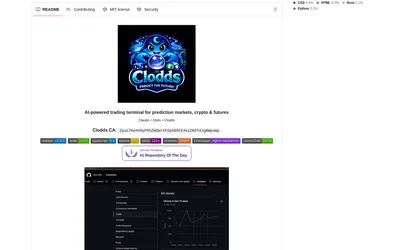
Run market research and configured strategy tools through a local chat gateway and supported messaging channels.
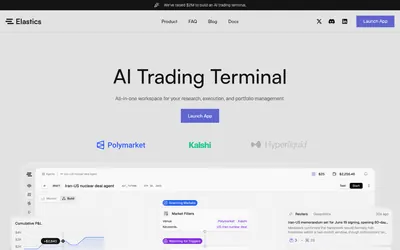
Turn repeatable market filters into scheduled execution graphs with budgets, lifecycle controls and logs.
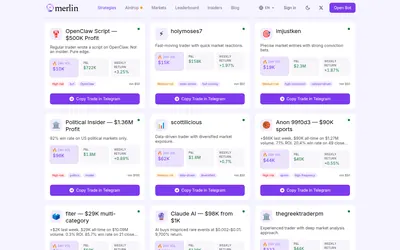
Shortlist public traders by specialty and recent activity before reviewing their copy setup in Telegram.
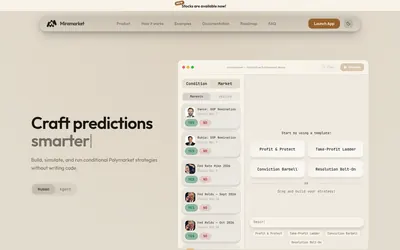
Build and inspect conditional trading rules on a canvas, then simulate before choosing live execution.
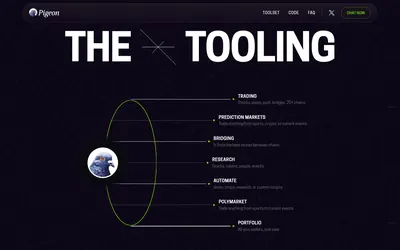
Research in chat, coordinate supported wallet actions and inspect custom scripts or scheduled tasks before activation.
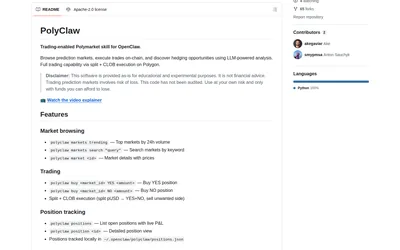
An OpenClaw skill connecting discovery, wallet commands, local positions and logical market-pair analysis.
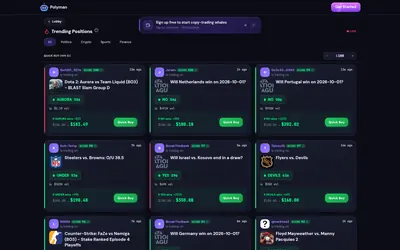
Discover traders and market moves in a web lobby, then inspect quick-buy previews or the official Telegram workflow.