 PredictionToolkit
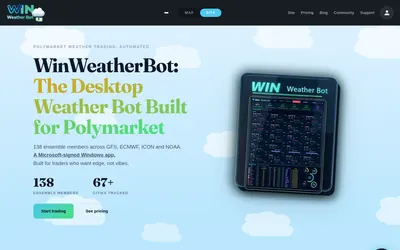

A Windows temperature-market scanner and bot with station mapping, exposure caps and configured volatility/drawdown stops.
- Trading mode Live automation
- Access Windows
Find your toolkit
Choose a bot by the actions it performs and the control you retain. Copying, custom strategies and market making can involve different execution rules, wallet permissions and operating requirements.
A generated signal, a simulated position and a submitted real order are different stages. Check which stages the product supports and whether paper and live modes have different access terms.
Account for subscriptions, executed-order charges, venue fees and hosting separately. Simulated returns do not establish live performance. Follow a copying workflow for trader replication, or a more specific bot category for your interface or execution model.
A Windows temperature-market scanner and bot with station mapping, exposure caps and configured volatility/drawdown stops.