PredictionToolkit
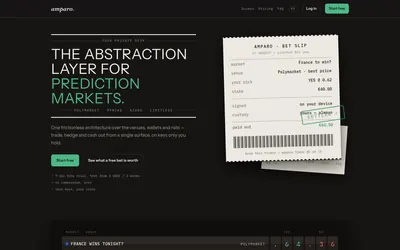

Compare supported venues, inspect local signing and use modular access with separate funding and contract checks.
- Trading mode Manual
- Access Web
Find your toolkit
Find products with documented bridging, on-ramp or funding workflows. Start with where the funds are now and the account and network where they must arrive.
A deposit button alone does not establish a bridge. Inspect the actual movement between networks or accounts and the destination balance described by the product.
Compare supported venues, inspect local signing and use modular access with separate funding and contract checks.

A mobile self-custody wallet combining Polymarket access, multichain funding and separate AI perpetual-trading tools.