PredictionToolkit
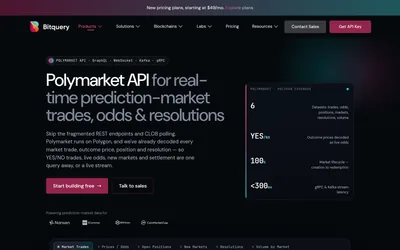

Query and stream decoded trades, token balances and settlement events.
- Access API
Find your toolkit
Use indexed blockchain activity without building the whole indexing pipeline yourself. Tools turn contract events into datasets, queries or streams for prediction-market applications.
Compare contract coverage, response schema, historical reach and delivery method. An on-chain trade stream describes different data from the exchange’s resting order book. Select the source needed by your application rather than substituting one for the other.
Query and stream decoded trades, token balances and settlement events.
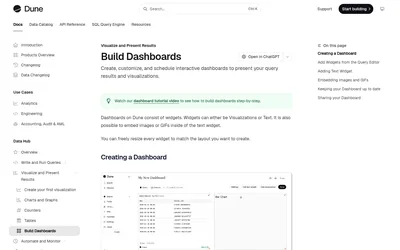
Query blockchain activity with SQL and publish dashboards for volumes, wallets, fills and custom research.
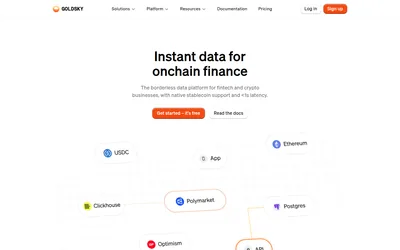
Replicate fills, positions and balances for custom analytics, applications and alerts.
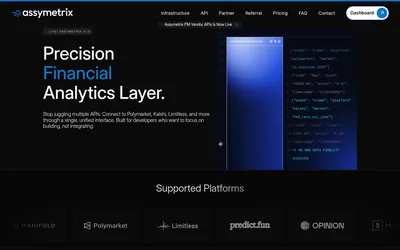
A live multi-venue data portal for canonical markets and history, alongside a separate consumer-platform preview.
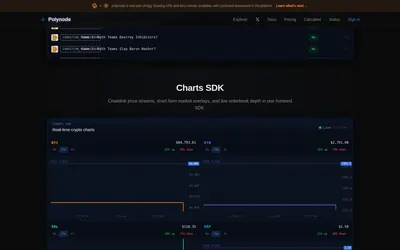
Filtered WebSockets, wallet history, market metadata and order-book data with explicit account-level limits.
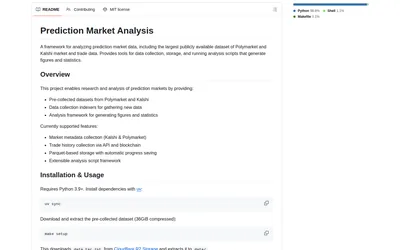
Start with collected markets and trades, resume collection and export Python analyses as figures or structured data.