 PredictionToolkit

What is Goldsky?
This is infrastructure for teams maintaining their own dataset. Choose the source records, transform the fields and deliver them to a supported database or other sink. CLI and API access support a developer workflow rather than a ready-made trading screen.
Dataset choice determines what a row means. Order Filled records maker/taker perspectives, while Orders Matched is a taker-side aggregate. The current integration directs users away from legacy public subgraphs, which can be incomplete or incorrect after the v2 migration.
Who it is for
- Developers building wallet analytics and dashboards.
- Data teams maintaining a local activity warehouse.
- Applications generating alerts from fills and positions.
Features and coverage
- Order Filled
Read individual fill records with user, token, size, price, fees and transaction identifiers.
- Orders Matched
Use the taker-side aggregate match when that is the required record level.
- Balances and positions
Track outcome-token balances, average entry prices and realized P&L fields.
- Backfill and live updates
Use a pipeline for historical replication and continuing updates.
- Transforms and sinks
Define how records are changed and sent to supported destinations.
- CLI operations
Validate, deploy, inspect and monitor YAML pipeline configurations.
Workflows with Goldsky
Build a wallet warehouse
Choose Order Filled, retain event IDs and chain timestamps and transform the needed fields into your database. Add balances or positions for exposure views.
Measure volume consistently
Choose either fill-level or taker-match records for the calculation. A matched trade can produce buyer- and seller-side fills, so counting both as separate trades overstates volume.
Pricing and total cost
Costs depend on the Goldsky plan and usage. The Polymarket integration guide does not establish a separate fixed-price Polymarket subscription.
Getting started
Before you start: Order Filled and Orders Matched have different record grains.
- Create a Goldsky account and install the documented CLI.
- Log in to the project.
- Define v2 Polymarket sources, transforms and a destination in YAML.
- Validate and deploy the configuration, then inspect records and logs.
Legacy subgraph endpoints can give incomplete or incorrect data after the v2 contract migration.
Useful links
What to check
- Order Filled and Orders Matched have different record grains.
- Your sink, transformations and retention determine downstream data availability.
- Older public subgraphs do not reliably represent the current contracts.
A closer look
Ratings & reviews
User reviews 0
The main score switches to user ratings after 5 published reviews.
A specific example helps the next person choose the right tool.
Related tools
Browse category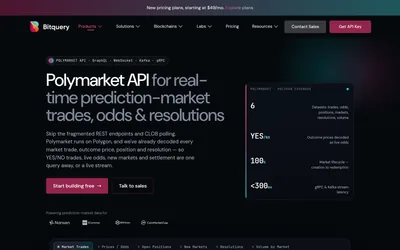

Query and stream decoded trades, token balances and settlement events.
- Access API
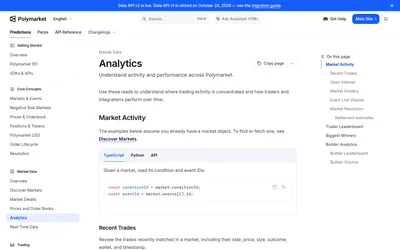

Retrieve positions, trades, holders and rankings while preserving outcome IDs and pagination context.
- Access API
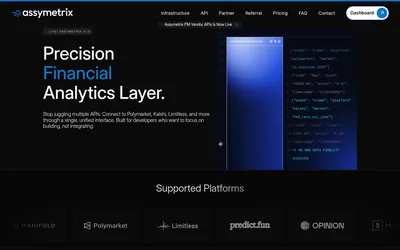

A live multi-venue data portal for canonical markets and history, alongside a separate consumer-platform preview.
- Access Web · API
Frequently asked questions about Goldsky
Should I start with the older public subgraphs?
The integration guide recommends v2 Turbo Pipeline datasets instead.
Why can one trade create two fill records?
Fills record both matching orders’ perspectives. Taker-level aggregate matches are a different dataset.
Can I store the data in my own database?
Yes. Replication to supported sinks is the purpose of Turbo Pipelines.