PredictionToolkit
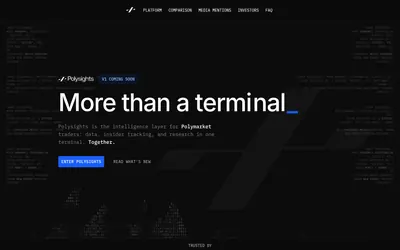

Move between markets, wallet analytics, Insider Finder and research, with a separate sports desk.
- Access Web
Explore a workflow
Start with the question you want to answer: who holds a market, how a trader performed, where activity is changing or what is happening to your portfolio. This section brings together several kinds of analytics rather than one ranking method.
Before comparing two results, align their reporting periods and read the P&L methodology. Check refresh timing and whether a figure describes realized trades, open positions or another stated measure. A large number without that context is difficult to interpret.
Choose a dashboard when you need to inspect a view, or an alert when you need an event delivered. Neither a ranking nor a notification on its own explains a trader’s full approach. Follow the relevant category to compare the actual documented feature.
Move between markets, wallet analytics, Insider Finder and research, with a separate sports desk.
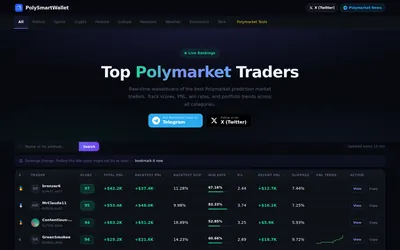
Research Polymarket wallets through category rankings, backtest metrics and slippage context.
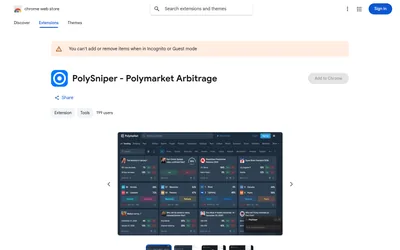
Inspect complete-set price gaps with book-verification status and estimated depth before handling execution on the venue.

A Telegram bot for wallet copying, configurable exposure and periodic claims after resolution.
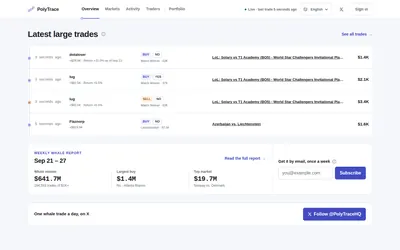
Investigate Polymarket trades from $1,000, the wallets behind them and concentration within group signals.
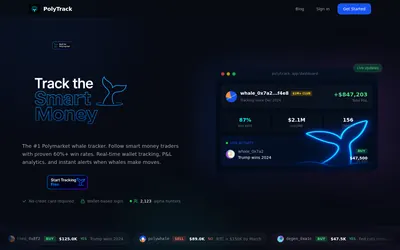
Keep a wallet shortlist and compare positions, sizing and activity hours, with paid exports and alerts.

Assess whether a wallet’s behavior is practical to copy, then verify the suggested settings in the separate execution bot.
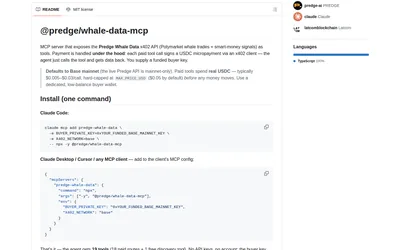
Discover endpoints freely, then pay per request for whale, wallet and supported outcome records.
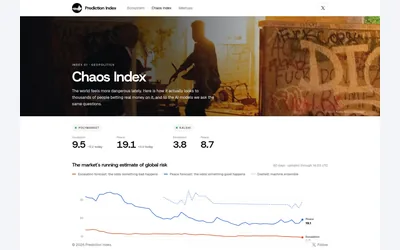
Geopolitical market baskets with visible constituents, separate venue views and a language-model comparison.

A Chrome extension that surfaces related Polymarket questions inside the X reading workflow.
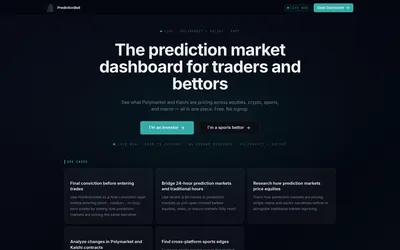
A free research screener for sports, financial and macro contracts on Polymarket and Kalshi.
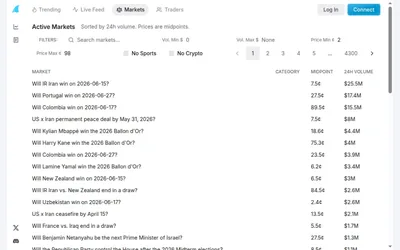
A compact searchable market table with numeric ranges, category exclusions and separate trader/activity views.