PredictionToolkit
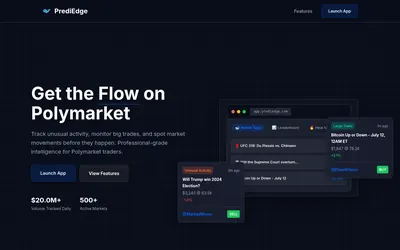

A whale tape with wallet views, heat maps and filters for researching large trades and unusual activity.
- Access Web
Explore a workflow
Start with the question you want to answer: who holds a market, how a trader performed, where activity is changing or what is happening to your portfolio. This section brings together several kinds of analytics rather than one ranking method.
Before comparing two results, align their reporting periods and read the P&L methodology. Check refresh timing and whether a figure describes realized trades, open positions or another stated measure. A large number without that context is difficult to interpret.
Choose a dashboard when you need to inspect a view, or an alert when you need an event delivered. Neither a ranking nor a notification on its own explains a trader’s full approach. Follow the relevant category to compare the actual documented feature.
A whale tape with wallet views, heat maps and filters for researching large trades and unusual activity.
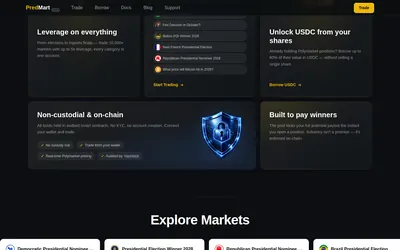
Leveraged outcome contracts settled in USDC, with a shared counterparty pool and separate borrowing and liquidity products.
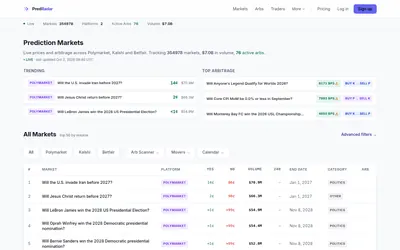
A market aggregator with price-gap scans, movers, calendars and metered API/MCP access.
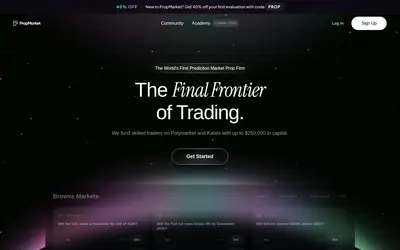
A paid single-stage evaluation with a profit target, trailing-equity limit and restrictions on market concentration and entries.
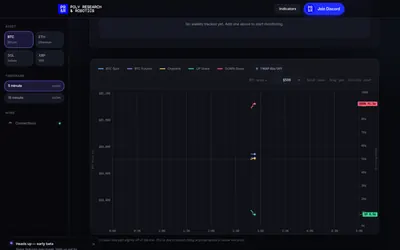
Compare crypto reference prices, outcome prices and wallet trades while keeping the browser session active.
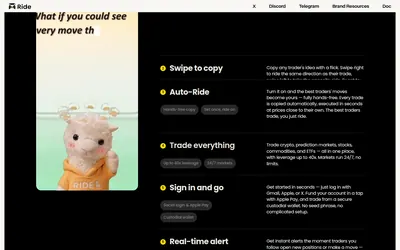
Follow trader ideas on mobile with Smart Consensus, manual swipes or a separate Auto-Ride workflow.
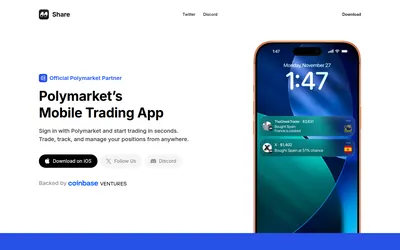
An iOS Polymarket interface combining market charts, positions, public-wallet notifications and social copy discovery.
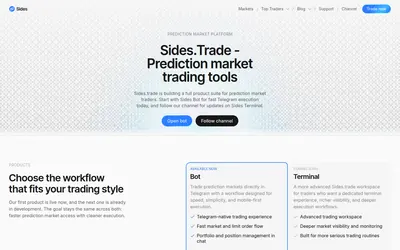
Telegram market and limit orders, bot-created wallets, supported cross-chain deposits and copying commands.
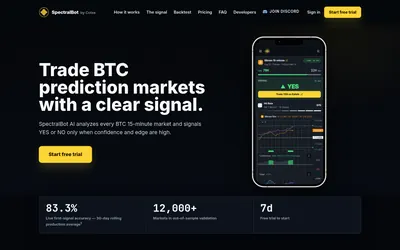
A standardized Kalshi BTC signal feed with precise intervals and manual market links, rather than automatic execution.
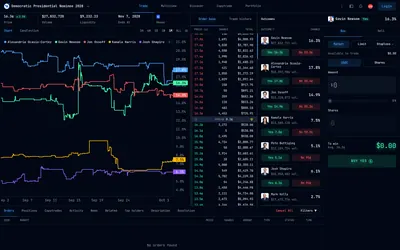
A web terminal combining outcome tables, chart context, detailed depth and an order-entry workspace.
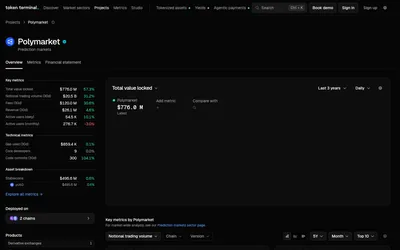
Standardised protocol charts with explicit Polymarket revenue boundaries and plan-dependent research delivery.
Build a research shortlist from ranked feeds, market-link analysis and highlighted wallet activity.