PredictionToolkit


A mobile self-custody wallet combining Polymarket access, multichain funding and separate AI perpetual-trading tools.
- Access iOS · Android
Explore a workflow
Start with the question you want to answer: who holds a market, how a trader performed, where activity is changing or what is happening to your portfolio. This section brings together several kinds of analytics rather than one ranking method.
Before comparing two results, align their reporting periods and read the P&L methodology. Check refresh timing and whether a figure describes realized trades, open positions or another stated measure. A large number without that context is difficult to interpret.
Choose a dashboard when you need to inspect a view, or an alert when you need an event delivered. Neither a ranking nor a notification on its own explains a trader’s full approach. Follow the relevant category to compare the actual documented feature.
A mobile self-custody wallet combining Polymarket access, multichain funding and separate AI perpetual-trading tools.
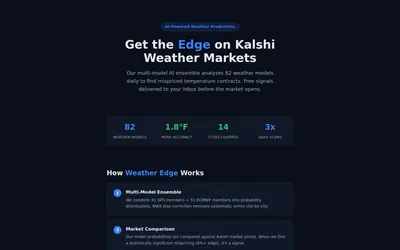
Weather-model research and free daily temperature-market signals for Kalshi.

Large-trade monitoring, wallet filters and arbitrage research with manual trade-destination links.
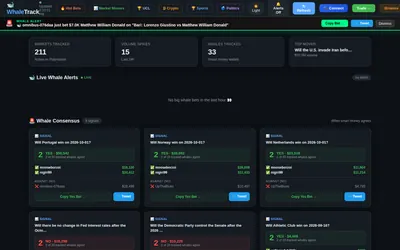
Monitor selected public wallets, compare their directions and use Telegram alerts as a research shortlist.
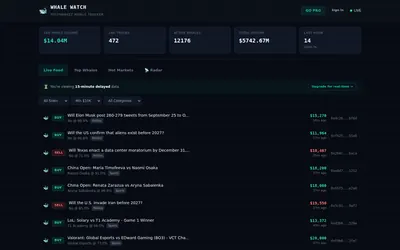
A public whale-trade stream with side, size and topic filters, top-wallet lists and a stated 15-minute delay.
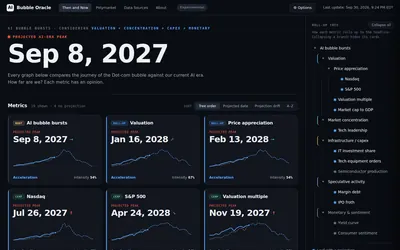
Compare dot-com and AI-era shapes, change assumptions and inspect counterexamples before interpreting a projected date.
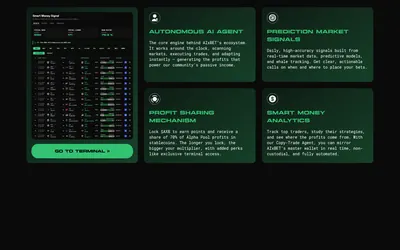
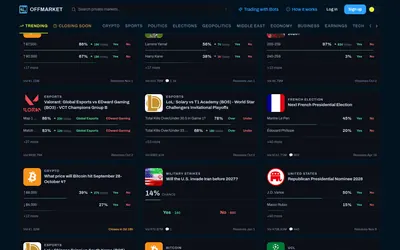
Use Polymarket markets through an interface that says it avoids publicly linking positions to the OffMarket account.
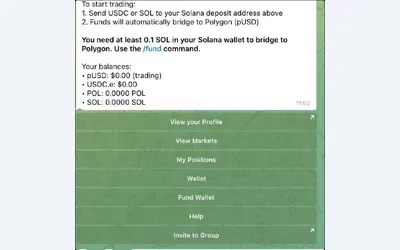
Search markets, manage orders and choose fixed, proportional or counter-copy rules.
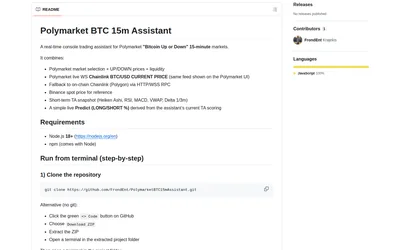
Watch outcome prices, liquidity and separate BTC references beside an indicator-derived directional score.
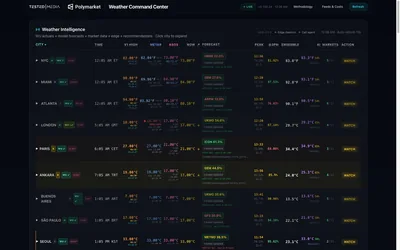
An open-source temperature-research interface with station comparisons, forecast freshness and clearly synthetic demo data.

Screenshot-based research and daily picks with model fair values, confidence scores and written reasoning.