 PredictionToolkit

What is Polycule?
Search and trending markets lead to contract charts and manual order controls, including limit buys and sells. Copying can use a fixed size, a proportional size or the opposite outcome to a followed wallet.
Shared configurations pass on settings, not another account’s balance or entry price. Counter mode opens a separate position at its own price and costs. Public documentation has command inconsistencies and discloses a past withdrawal-processing incident with infrastructure changes.
Who it is for
- Managing markets and positions within Telegram.
- Sharing copy settings or comparing sizing modes.
Features and coverage
- Market search
Find trending contracts or search and inspect a chart.
- Position controls
Check holdings and use the available buy, sell and open-order controls.
- Limit orders
Set prices for limit buys and sells.
- Copy sizing
Choose fixed or proportional sizes for a followed wallet.
- Counter mode
Take the opposite outcome as a separate position.
- Shared settings
Share a copy configuration and use the bot to pause or delete it.
Workflows with Polycule
Set up copying
Choose a leader, size and direction; inspect sell rules and filters. Save the configuration and use its controls to pause future copies.
Place a limit order
Search for the market, choose the outcome and enter price and size. Manage the result in orders or positions.
Pricing and total cost
The public guide does not publish a complete trading tariff. For Solana-to-Polygon funding it says Polycule adds no bridge surcharge, but deBridge fees remain. That statement does not establish the trading fee.
Getting started
Before you start: Pausing or deleting a configuration does not automatically liquidate existing positions.
- Open the official Telegram bot.
- Use the current menu or /help.
- Review /wallet and /fund for the selected asset and network.
- Find a market or configure copying from the current menu.
Documentation uses both /copy and /copytrade; follow the current bot menu.
Useful links
What to check
- Pausing or deleting a configuration does not automatically liquidate existing positions.
- Counter-copying has its own entry price and costs.
- The security page discloses a historical withdrawal-processing incident and infrastructure changes.
- Command names differ across the documentation.
A closer look
Ratings & reviews
User reviews 0
The main score switches to user ratings after 5 published reviews.
A specific example helps the next person choose the right tool.
Related tools
Browse category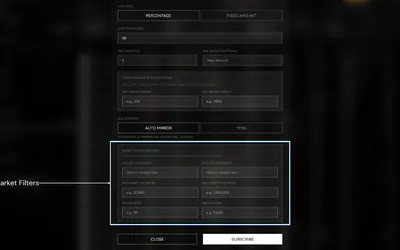

Configure wallet copies with size and market filters, while keeping Autopilot’s settlement-only policy distinct.
- Trading mode Manual · Live automation
- Access Web · Telegram
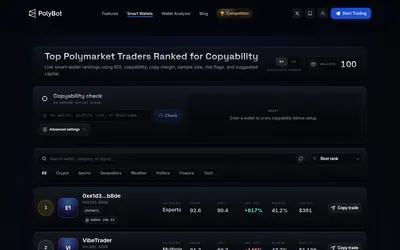

Place market or limit orders, copy wallets and manage exits through Telegram and a visual mini-app.
- Trading mode Manual · Live automation
- Access Telegram
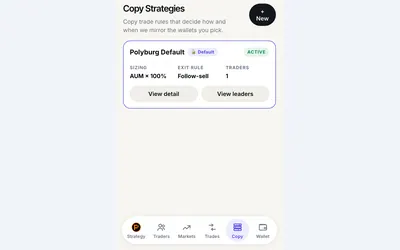

Set copy budgets, order sizes and exits in a Telegram mini-app.
- Trading mode Manual · Live automation
- Access Web · Telegram
Frequently asked questions about Polycule
Can I copy the opposite side?
Counter mode is designed to take the opposite outcome, with a separate position and its own costs.
What does sharing a configuration share?
The settings, not another account’s funds or entry price.
Does no bridge surcharge mean free trading?
No. That statement covers one funding route; deBridge, trading and network costs are separate.