PredictionToolkit
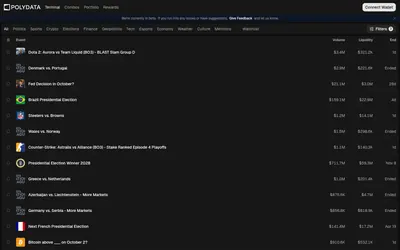

Public wallet analytics, category leaderboards and market discovery connected to a trading terminal.
- Trading mode Manual
- Access Web
Explore a workflow
Start with the question you want to answer: who holds a market, how a trader performed, where activity is changing or what is happening to your portfolio. This section brings together several kinds of analytics rather than one ranking method.
Before comparing two results, align their reporting periods and read the P&L methodology. Check refresh timing and whether a figure describes realized trades, open positions or another stated measure. A large number without that context is difficult to interpret.
Choose a dashboard when you need to inspect a view, or an alert when you need an event delivered. Neither a ranking nor a notification on its own explains a trader’s full approach. Follow the relevant category to compare the actual documented feature.
Public wallet analytics, category leaderboards and market discovery connected to a trading terminal.

Test a simulated Polymarket strategy against explicit equity, drawdown, consistency and payout conditions.
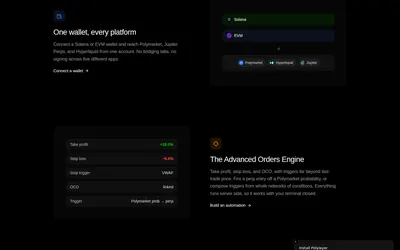
Bring market watchlists, paper positions, portfolio scenarios and order rules into a customizable terminal.
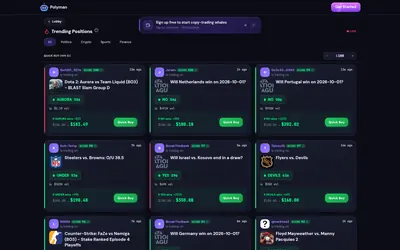
Discover traders and market moves in a web lobby, then inspect quick-buy previews or the official Telegram workflow.
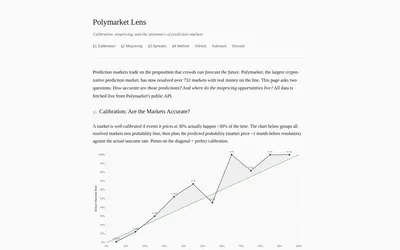
Compare reconstructed historical probabilities with resolved outcomes, keeping the proxy’s uncertain forecast horizon in view.
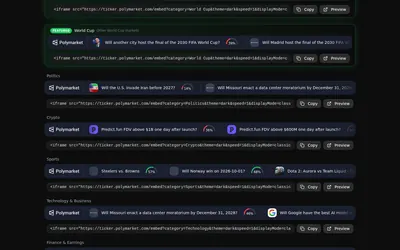
A configurable scrolling market overlay with category previews, custom selection and browser-source or embed output.
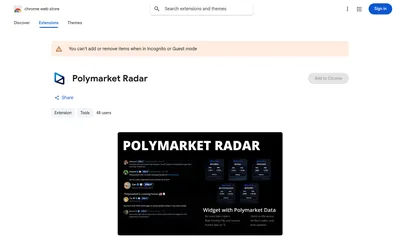
See Polymarket trading statistics while reading posts from supported X accounts.
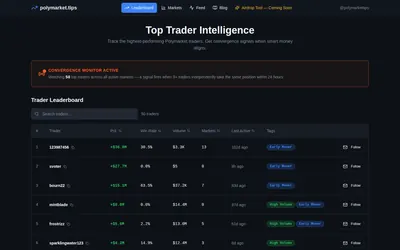
Find ranked traders and investigate markets where monitored wallets align within a short window.
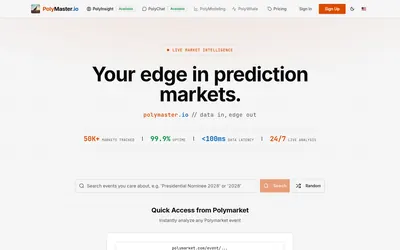
Open research for a specific market, discuss it in PolyChat and compare report costs with the account’s credit allowance.
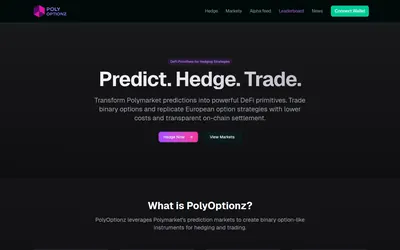
Coordinate crypto threshold positions while accounting for binary payouts, observation time and exit liquidity.
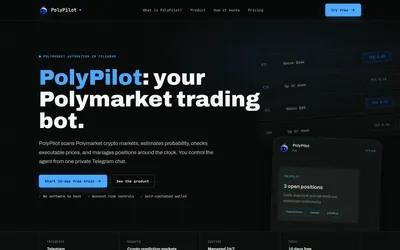
A managed Polymarket crypto agent with position limits, hosted execution and Telegram monitoring.
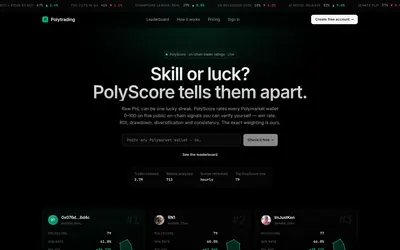
Compare a wallet’s aggregate score with its drawdown, return, trade count and category exposure before following it.