 PredictionToolkit
What is Polylayer?
Use the market grid and watchlists to follow events, outcome quotes and activity. Polycanvas adds a shareable widget-based layout, while paper mode offers simulated positions for supported workflows.
Advanced order features describe take-profit, stop-loss, OCO and cross-product triggers. Availability varies by venue and product. Portfolio simulations need connected account data; perpetual funding and liquidation differ from event contracts, and server-side rules require explicit pause, cancel and exit management.
Who it is for
- Traders using prediction markets alongside perpetuals.
- Users arranging their own market-monitoring workspace.
- People trying supported rules in paper mode.
Features and coverage
- Market grid
Search and filter event tiles, outcome prices and activity.
- Order automation
The documented engine includes take-profit, stop-loss, OCO and cross-product triggers.
- Paper positions
Try supported trading workflows with simulated positions.
- Portfolio scenarios
Review positions and explore their response to different event resolutions.
- Polycanvas
Arrange widgets into a terminal layout and share it.
- Notifications and developer access
Discord and Telegram notifications and API/CLI pathways are advertised.
Workflows with Polylayer
Arrange a research screen
Choose markets, organize the relevant widgets and keep the same set in watchlists.
Explore portfolio outcomes
Open the portfolio tools with connected account data and compare how event resolutions affect the positions.
Try an order rule
Start in supported paper mode, specify trigger and exit behavior, then review the relevant venue's live flow before using it.
Pricing and total cost
Public product pages do not supply a complete subscription or execution-fee table. Check the selected product route and order preview; prediction contracts and perpetuals have different costs.
Getting started
Before you start: A feature on one venue is not established for every venue.
- Open the public Markets browser.
- Select the product type and venue.
- Use paper mode or connect a supported Solana/EVM wallet for account features.
- Configure the selected order, alert or layout.
Features vary across venues and product types.
Useful links
What to check
- A feature on one venue is not established for every venue.
- Portfolio simulations require connected account data.
- Perpetual funding and liquidation mechanics differ from event contracts.
- Server-side automation needs explicit pause, cancel and exit management.
A closer look
Ratings & reviews
User reviews 0
The main score switches to user ratings after 5 published reviews.
A specific example helps the next person choose the right tool.
Related tools
Browse category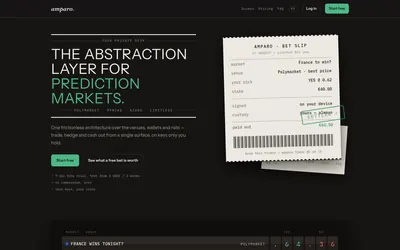

Compare supported venues, inspect local signing and use modular access with separate funding and contract checks.
- Trading mode Manual
- Access Web
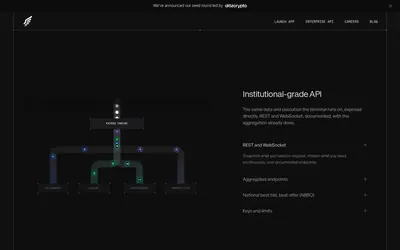

Use an aggregated terminal or scoped enterprise API for data, orders, positions and trader intelligence.
- Trading mode Manual
- Access Web · API
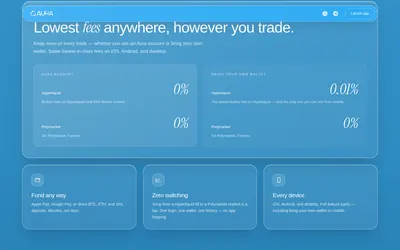

Browse Polymarket and trade Hyperliquid through a shared mobile and desktop product.
- Trading mode Manual
- Access Web · iOS · Android
Frequently asked questions about Polylayer
Does Polylayer only cover prediction markets?
No. Perpetual-market workflows are also part of the product.
Can I customize the screen?
Polycanvas is the product's shareable widget-based terminal concept.
Can I browse before connecting a wallet?
Yes. The public market browser shows event tiles and outcome quotes.