 PredictionToolkit

What is PolyPilot?
The probability estimate uses market structure, crypto prices, volatility and time remaining. The agent then considers available price, spread, depth and fees before order submission and applies account and position limits. It manages open exposure through exit or settlement rather than serving as a general wallet-copying terminal.
The worker continues when Telegram is closed, so the phone does not have to stay online. Status, positions, pause/resume and support live in the private bot chat. The product describes a user-controlled Polymarket wallet with key export. Subscription caps measure open-position value, not deposited cash or monthly turnover, and pausing new entries does not cancel subscription billing.
Who it is for
- Users who want a hosted agent without operating a server.
- Traders focused on supported crypto price-above and Up/Down markets.
- Users who want position monitoring and pause controls in Telegram.
Features and coverage
- Eligible markets and probability inputs
Scan supported price-above strikes and recurring Up/Down markets using the product’s market-structure, crypto-price, volatility and remaining-time inputs.
- Execution and exposure checks
Inspect executable price, spread, depth and fees and apply position and account limits after signal calculation.
- Position management
Monitor open exposure until an exit or settlement.
- Hosted worker
The strategy keeps running when Telegram is closed.
- Telegram and wallet controls
Use status, positions, pause/resume and support; the wallet flow includes user control and key export.
Workflows with PolyPilot
Evaluate the workflow
Begin the trial, inspect provisioning, worker status and controls, and fund the wallet when ready to evaluate funded execution.
Check the plan cap
Use /positions to compare total open-position value with the plan’s allowed exposure.
Pause entries and review billing
Pause new trades, inspect existing positions and handle cancellation separately in the subscription flow if you also want billing to stop.
Pricing and total cost
All plans include the managed agent and Telegram controls. They primarily differ by the cap on open-position value, not deposits or monthly turnover.
Micro
US$29/month or US$290/year
- Up to US$500 in open-position value.
Starter
US$79/month or US$790/year
- Up to US$2500 in open-position value.
Standard
US$199/month or US$1990/year
- Up to US$10000 in open-position value.
Fees and usage costs
- No setup or performance fee is listed.
- Trading capital, venue fees and network costs are separate from the subscription.
Trial: First-time customers receive a 10-day free trial.
Access: Stripe manages billing. Trading pause and subscription cancellation are separate actions.
Getting started
Before you start: Plan limits concern open-position value.
- Open usepolypilotbot and run /start.
- Create the account and read the trial checkout terms.
- Wait for provisioning of the private worker and wallet.
- Inspect /status and account controls.
- Use /wallet for funding.
- Monitor /positions and use pause/resume as needed.
The plan cap is open-position value, not monthly turnover or deposited cash.
Useful links
What to check
- Plan limits concern open-position value.
- Closing Telegram does not stop the hosted worker.
- Pausing trading does not cancel billing.
- This is a managed crypto strategy, not a general wallet-copy terminal.
A closer look
Ratings & reviews
User reviews 0
The main score switches to user ratings after 5 published reviews.
A specific example helps the next person choose the right tool.
Related tools
Browse category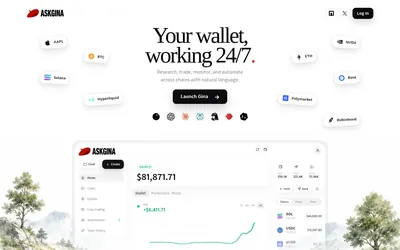

Research markets conversationally, use supported order workflows and schedule wallet tasks with explicit access choices.
- Access Web · MCP
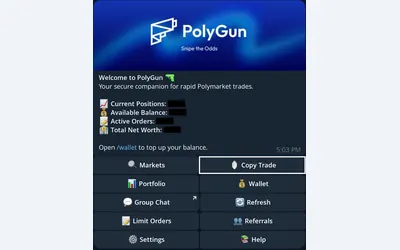

Manual trading and wallet copying in Telegram, with explicit sizing, confirmation and exit settings.
- Trading mode Manual · Live automation
- Access Telegram
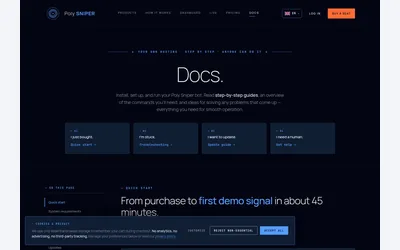
Per-coin Linux bots with a simulation trial, provider dependencies and unresolved setup contradictions.
Frequently asked questions about PolyPilot
Must my phone remain online?
No. The hosted worker runs independently of whether Telegram is open on your phone.
What differs between plans?
The permitted open-position value: US$500, US$2500 or US$10000. These are exposure caps, not deposits or turnover allowances.
Does the subscription include trading funds?
No. It covers software and the worker; trading capital, venue fees and network costs are separate.
Does pausing also stop payment?
No. Cancel billing separately through the subscription flow.