PredictionToolkit
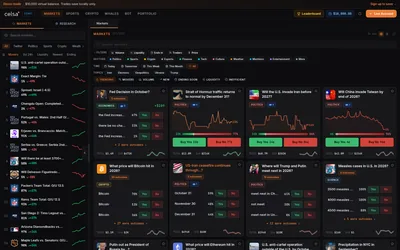

A Polymarket terminal combining a replenishable demo balance, preset automation, wallet research and market-specific context.
- Trading mode Paper · Manual
- Access Web
Find your toolkit
A terminal brings market discovery, order entry and position management into a trading workspace. Compare the tasks it supports before connecting a wallet.
Evaluate how you move from finding an event to reviewing an outcome, entering an order and managing the resulting position. A market list or an analytical dashboard may help with one step without offering the complete terminal workflow.
Separate the terminal from the execution API and custody services behind it. A shared screen does not by itself tell you where orders are sent or who can sign them. Use a mobile interface, aggregator or dashboard category when that narrower task is what you need.
A Polymarket terminal combining a replenishable demo balance, preset automation, wallet research and market-specific context.
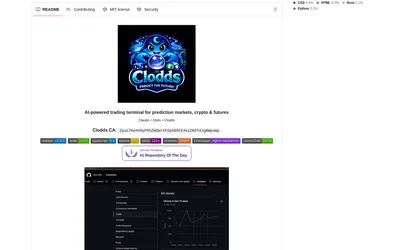
Run market research and configured strategy tools through a local chat gateway and supported messaging channels.
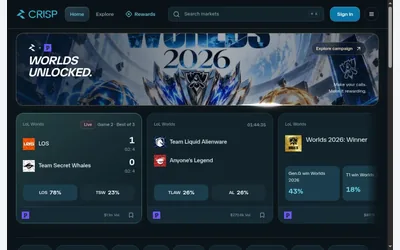
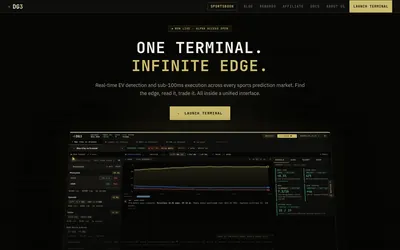
Research sports ideas beside a configurable order desk with sizing, exits and fill feedback.
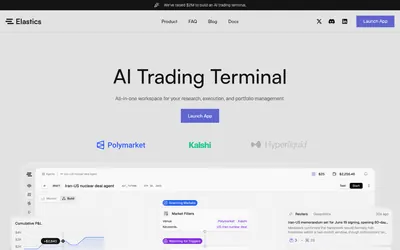
Turn repeatable market filters into scheduled execution graphs with budgets, lifecycle controls and logs.
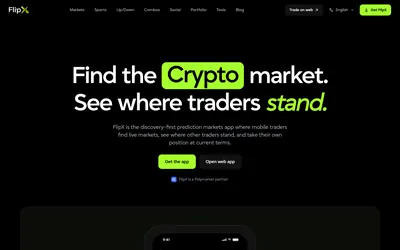
Social market discovery with an editable Tail order, watchlists and portfolio tracking on web and mobile.

Find candidate matching markets and inspect their price differences in one web interface.
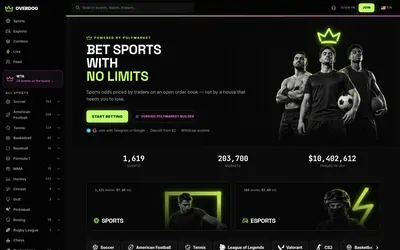
A sports and esports interface over Polymarket with familiar odds formats, live context and linked fills.
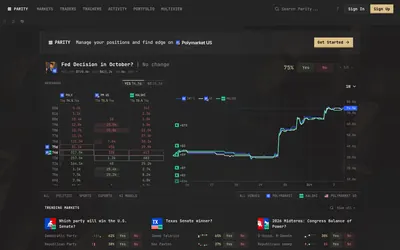
Compare prices and visible book sizes while keeping Polymarket, Kalshi and Polymarket US distinct.
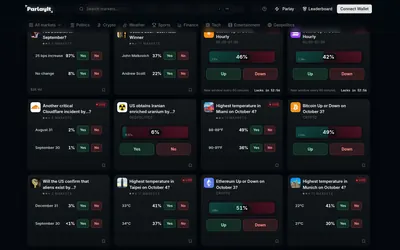
Combine 2–5 outcomes from ParlayIt's own markets into a tradable quoted position with explicit settlement rules.
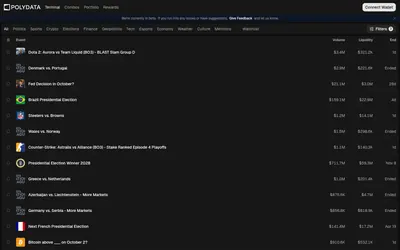
Public wallet analytics, category leaderboards and market discovery connected to a trading terminal.
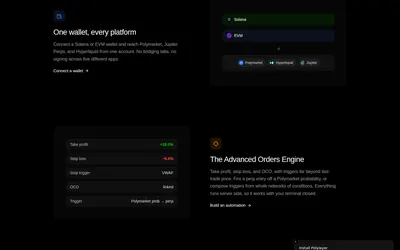
Bring market watchlists, paper positions, portfolio scenarios and order rules into a customizable terminal.