PredictionToolkit
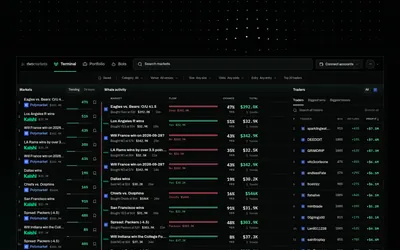

Move from trader research to rules, historical tests and paper bots, with venue-specific live activation.
- Trading mode Paper
- Access Web · Telegram · API · MCP
Find your toolkit
A terminal brings market discovery, order entry and position management into a trading workspace. Compare the tasks it supports before connecting a wallet.
Evaluate how you move from finding an event to reviewing an outcome, entering an order and managing the resulting position. A market list or an analytical dashboard may help with one step without offering the complete terminal workflow.
Separate the terminal from the execution API and custody services behind it. A shared screen does not by itself tell you where orders are sent or who can sign them. Use a mobile interface, aggregator or dashboard category when that narrower task is what you need.
Move from trader research to rules, historical tests and paper bots, with venue-specific live activation.
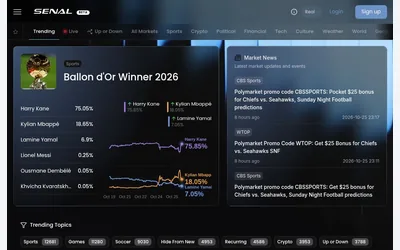
Browse prediction markets and linked news in a shared workspace, then check the venue and account requirements for further actions.
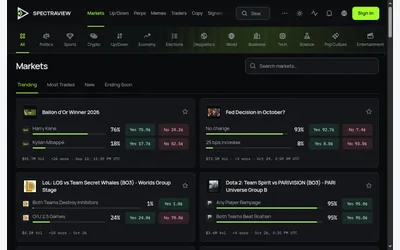
A public event browser within a workspace for trader research, strategies and copying.
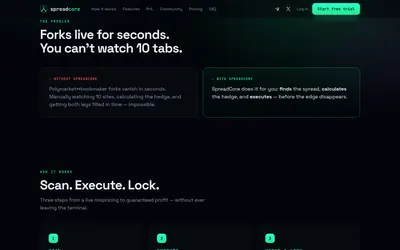
Compare sports odds, size a hedge and manage the Polymarket leg while checking both fills separately.
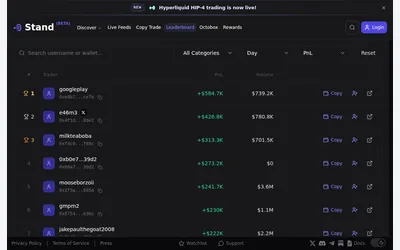
Research markets and traders in a web terminal before entering account-dependent trading and copy settings.
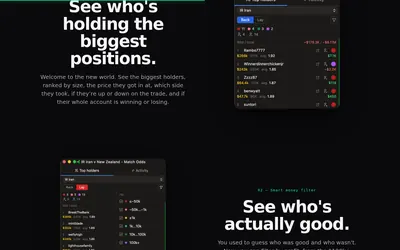
A Polymarket desktop ladder with integrated holder tables, large-trade research and persistent wallet labels.
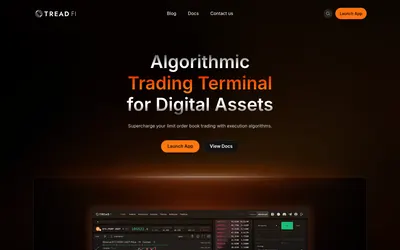
Control how orders are worked across connected accounts, then review fills and transaction costs.
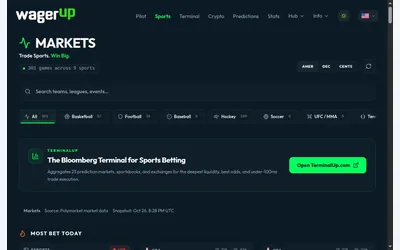
A sports-focused Polymarket board with league filters, odds formats and links to research calculators.
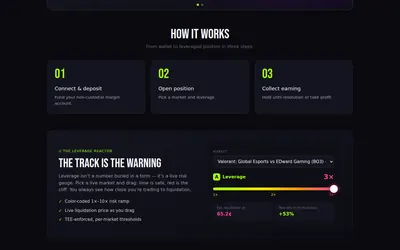
Leveraged Polymarket trading with borrowing terms and a liquidation threshold affected by interest and order-book depth.
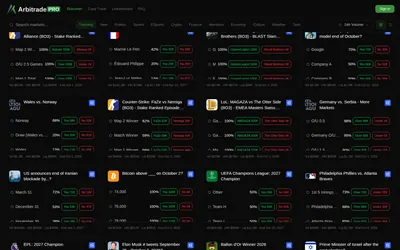
A Polymarket terminal with copy trading and six configurable position-management automations.
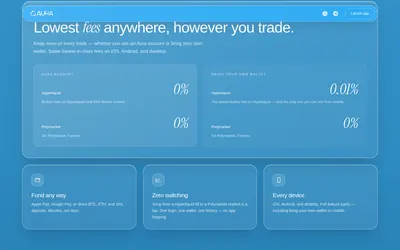
Browse Polymarket and trade Hyperliquid through a shared mobile and desktop product.
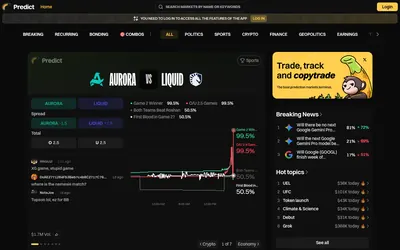
Browse breaking, recurring and bonding events, investigate wallets and continue to account-based portfolio and copying tools.