 PredictionToolkit
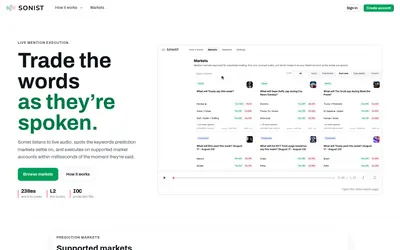

Free mention-market browsing alongside waitlisted audio-triggered execution and advanced speaker controls.
- Trading mode Read-only
- Access Web
Find your toolkit
A terminal brings market discovery, order entry and position management into a trading workspace. Compare the tasks it supports before connecting a wallet.
Evaluate how you move from finding an event to reviewing an outcome, entering an order and managing the resulting position. A market list or an analytical dashboard may help with one step without offering the complete terminal workflow.
Separate the terminal from the execution API and custody services behind it. A shared screen does not by itself tell you where orders are sent or who can sign them. Use a mobile interface, aggregator or dashboard category when that narrower task is what you need.
Free mention-market browsing alongside waitlisted audio-triggered execution and advanced speaker controls.