PredictionToolkit
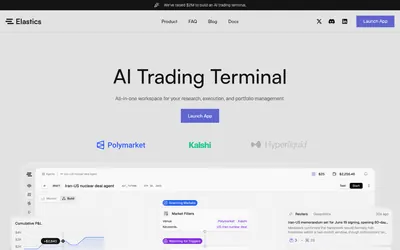

Turn repeatable market filters into scheduled execution graphs with budgets, lifecycle controls and logs.
- Trading mode Live automation
- Access Web
Explore a workflow
Start with the question you want to answer: who holds a market, how a trader performed, where activity is changing or what is happening to your portfolio. This section brings together several kinds of analytics rather than one ranking method.
Before comparing two results, align their reporting periods and read the P&L methodology. Check refresh timing and whether a figure describes realized trades, open positions or another stated measure. A large number without that context is difficult to interpret.
Choose a dashboard when you need to inspect a view, or an alert when you need an event delivered. Neither a ranking nor a notification on its own explains a trader’s full approach. Follow the relevant category to compare the actual documented feature.
Turn repeatable market filters into scheduled execution graphs with budgets, lifecycle controls and logs.
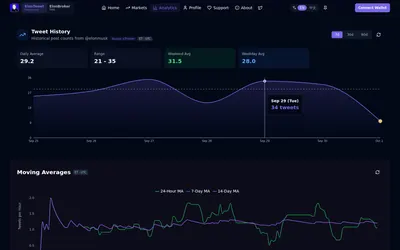
Research posting activity and count brackets through web analytics and the linked Telegram bot.
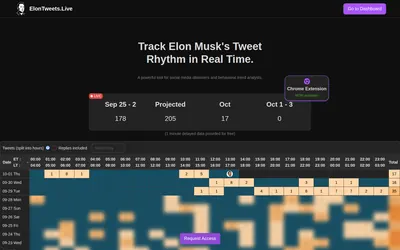
Elon Musk post counts, hourly heatmaps, estimated totals and Telegram or Chrome monitoring.
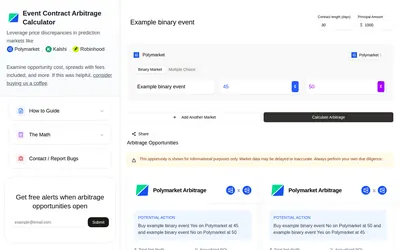
Calculate multi-leg scenarios using displayed prices, capital, outcome structure and days to completion.
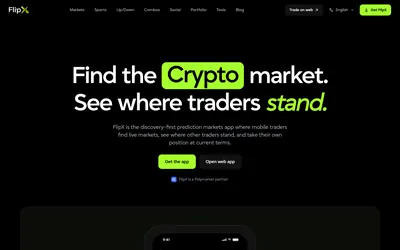
Social market discovery with an editable Tail order, watchlists and portfolio tracking on web and mobile.
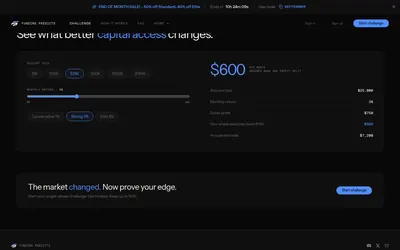
Compare simulated challenges with explicit targets, drawdown, concentration and payout conditions before paying an evaluation fee.
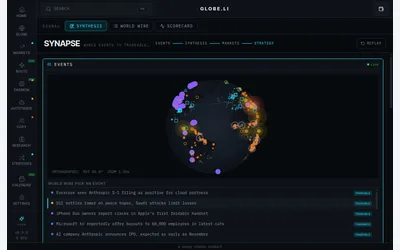
A geographic news workspace for finding events and checking related prediction-market context.
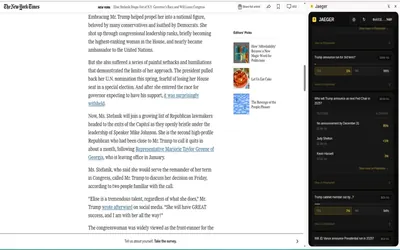
A Chrome extension that finds related Polymarket questions from a webpage, selection or Twitter/X post.
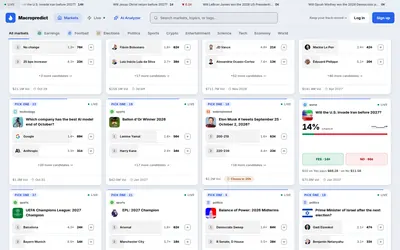
Browse event questions, take a single Yes/No position from $1 or examine a 2–8-leg all-or-nothing combo ticket.
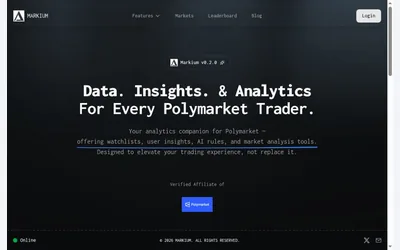
AI research focused on contract rules and market evidence, with watchlists and wallet exploration.
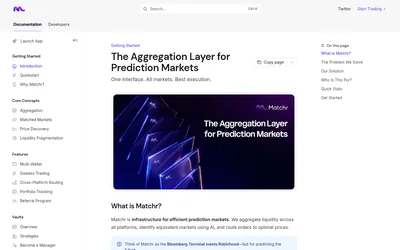
Find candidate matching markets and inspect their price differences in one web interface.
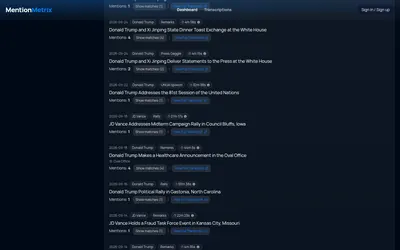
Search speech transcripts, compare speakers and formats, and inspect historical word counts for mention-market research.