 PredictionToolkit

What is MentionMetrix?
Average and median mentions per speech measure counts; the occurrence rate measures the percentage of sampled speeches containing the term. Time series and a comparison matrix help examine selected words over time. Read the transcript around an unusual result to check speaker attribution and context.
These statistics describe the selected historical sample, not the next speech. Rallies, interviews and press conferences can differ in format and duration. Match the contract's treatment of exact words, plurals, quotations and transcript sources before treating a search result as relevant evidence.
Who it is for
- Researching political mention-market contracts.
- Comparing words across different speakers.
- Finding transcript-level evidence behind frequency summaries.
Features and coverage
- Word and phrase search
Add terms and choose whole-word matching when required.
- Period selection
Select recent windows or a year-to-date sample.
- Speaker filters
Choose the person relevant to the event.
- Context filters
Narrow category, location and speech duration.
- Mention counts
Inspect average and median mentions per speech.
- Occurrence rate
See what percentage of sampled speeches contains a term.
- Time series and matrix
Compare selected words across time.
- Full transcripts
Read the surrounding language rather than relying only on a summary.
Workflows with MentionMetrix
Research a contract
Extract the exact term, select matching behavior and restrict the sample to comparable speeches.
Compare speech formats
Separate rallies from interviews or press conferences before comparing frequency.
Investigate an outlier
Open the transcript and confirm who spoke the words and in what context.
Pricing and total cost
The public interface shows 5 free searches per month. Sign-in and signup are available, but the reviewed dashboard does not show further paid terms.
Getting started
Before you start: Speech format and duration can materially change the comparison.
- Add the word or phrase you want to examine.
- Choose whole-word matching if needed.
- Select the speaker and period.
- Narrow the speech format and duration.
- Inspect both summary statistics and matching transcripts.
Historical frequency describes the selected sample, not the next speech.
Useful links
What to check
- Speech format and duration can materially change the comparison.
- Contract rules can treat plurals, quotations and transcript sources differently.
- Further paid terms are not shown on the reviewed dashboard.
A closer look
Ratings & reviews
User reviews 0
The main score switches to user ratings after 5 published reviews.
A specific example helps the next person choose the right tool.
Related tools
Browse category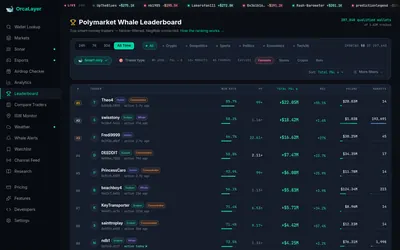

Read-only Polymarket wallet research with farming filters, monitoring and licensed data access.
- Access Web · Telegram · API
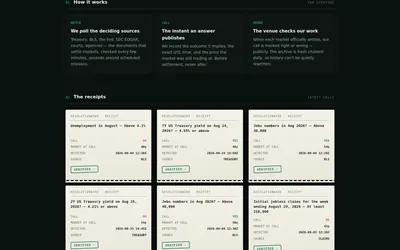
Document-based market research with deciding-source maps, timestamped receipts and a public record of settled calls.
- Access Web
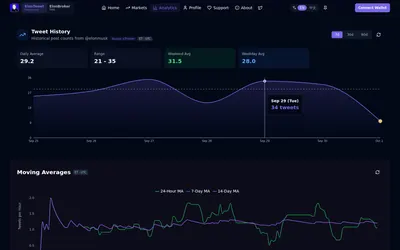

Research posting activity and count brackets through web analytics and the linked Telegram bot.
- Access Web · Telegram
Frequently asked questions about MentionMetrix
Can I exclude partial-word matches?
Yes. Whole-word matching is available.
Can I read the underlying speeches?
Yes. Matching full transcripts are available.
How much free access is shown?
The public interface lists 5 searches per month.