PredictionToolkit
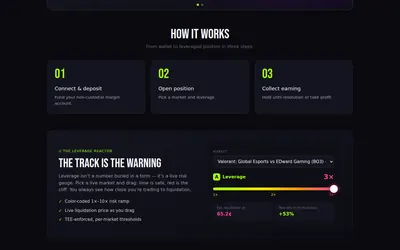

Leveraged Polymarket trading with borrowing terms and a liquidation threshold affected by interest and order-book depth.
- Access Web · API
Explore a workflow
Start with the question you want to answer: who holds a market, how a trader performed, where activity is changing or what is happening to your portfolio. This section brings together several kinds of analytics rather than one ranking method.
Before comparing two results, align their reporting periods and read the P&L methodology. Check refresh timing and whether a figure describes realized trades, open positions or another stated measure. A large number without that context is difficult to interpret.
Choose a dashboard when you need to inspect a view, or an alert when you need an event delivered. Neither a ranking nor a notification on its own explains a trader’s full approach. Follow the relevant category to compare the actual documented feature.
Leveraged Polymarket trading with borrowing terms and a liquidation threshold affected by interest and order-book depth.
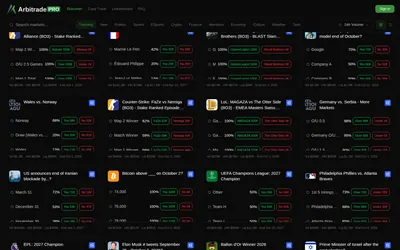
A Polymarket terminal with copy trading and six configurable position-management automations.
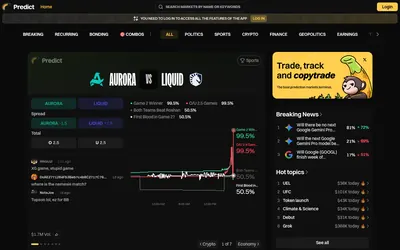
Browse breaking, recurring and bonding events, investigate wallets and continue to account-based portfolio and copying tools.
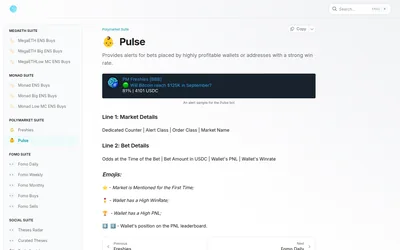
A gated research suite with separate alerts for lightly used wallets and historically successful accounts.
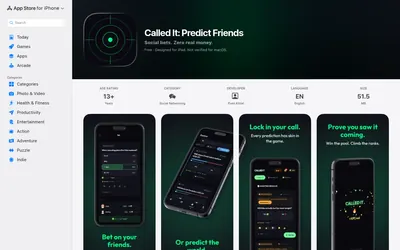
A private group can track friends' calls in virtual Cred and consult imported market odds as a reference.
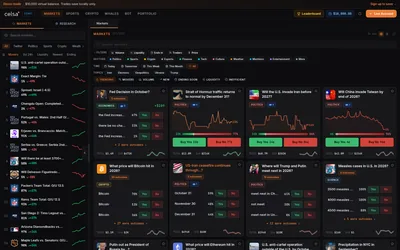
A Polymarket terminal combining a replenishable demo balance, preset automation, wallet research and market-specific context.
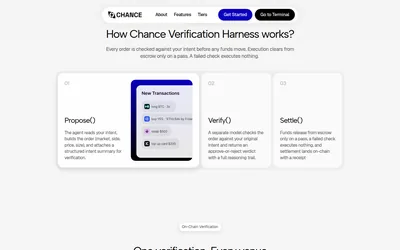
A separate verification step for matching proposed trading actions to their original instructions.
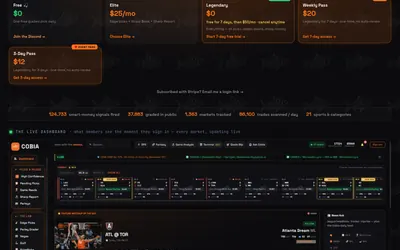
Research sports picks through cohort activity, model estimates, entry prices and a publicly graded record.
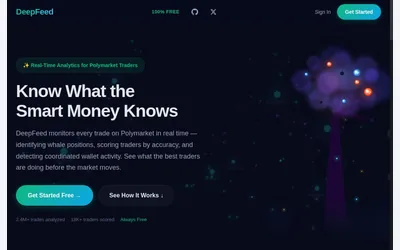
Evaluate a documented Polymarket wallet dashboard with trader scores, watchlist alerts and copy simulation behind sign-in.
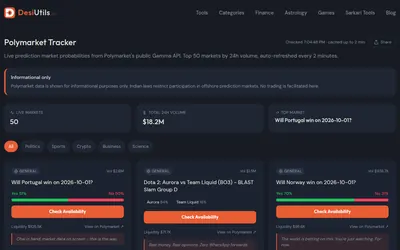
A free, account-free dashboard of 50 high-volume Polymarket questions and their outcome probabilities.
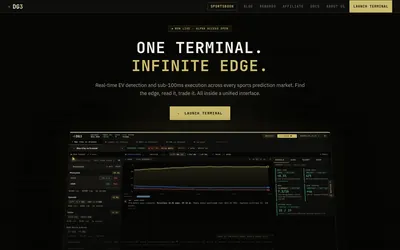
Research sports ideas beside a configurable order desk with sizing, exits and fill feedback.
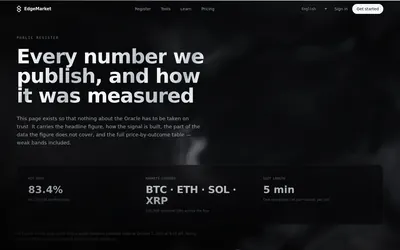
Inspect whale trades and five-minute crypto signals alongside their measurement context.