 PredictionToolkit

What is Jaeger?
Instead of starting a separate search, use the page context or select the specific claim you want to investigate. The extension supports general webpages and a dedicated Twitter/X path. A matched question is a starting point: its scope, deadline and resolution wording may be narrower than, or different from, the original claim.
The store also lists an optional Degen mode without explaining its exact ranking logic. The documented role is discovery; the listing does not establish an order-execution workflow or a subscription price schedule. Open the proposed market to inspect its rules, price and liquidity before taking any further action.
Who it is for
- Readers investigating markets connected to the news.
- Twitter/X users seeking market context for posts.
- Users who repeatedly search Polymarket while browsing.
Features and coverage
- Page and selection matching
Find markets related to the current webpage, or highlight a passage to narrow the subject without closing the source material.
- Dedicated Twitter/X integration
Use the specialized social browsing path to find market context for a post.
- Chrome installation
Install from the official Chrome Web Store listing after reviewing the requested permissions.
- Optional Degen mode
The store lists this mode, but does not document its precise ranking logic.
Workflows with Jaeger
Investigate an article’s claim
Read the original claim, invoke matching and compare the proposed market’s deadline and resolution criteria with the article.
Focus a broad page
Highlight the specific sentence or passage you want to research rather than relying on the entire page topic.
Inspect a social match
Use the X integration, then follow the market link to check the actual question, price and liquidity.
Pricing and total cost
The Chrome Web Store listing does not publish a subscription or in-app price table.
Getting started
Before you start: Topical relevance does not establish that the contract measures the same claim.
- Open the official Chrome listing and review permissions.
- Install the extension in a supported browser.
- Visit an article or social post and invoke page or selected-text matching.
- Open the suggested market and verify its scope, deadline and resolution rules.
A related market may measure a narrower or different claim than the article.
Useful links
What to check
- Topical relevance does not establish that the contract measures the same claim.
- The listing describes discovery, without documenting an order-execution workflow.
- The precise ranking logic of Degen mode is not explained in the store listing.
A closer look
Ratings & reviews
User reviews 0
The main score switches to user ratings after 5 published reviews.
A specific example helps the next person choose the right tool.
Related tools
Browse category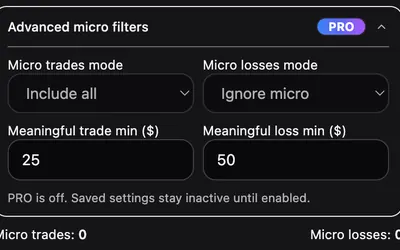

Set session budgets and pause rules around Polymarket, then inspect trading-behavior signals in a browser dashboard.
- Access Browser extension
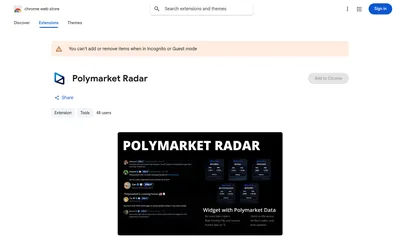

See Polymarket trading statistics while reading posts from supported X accounts.
- Access Browser extension


A Chrome extension that surfaces related Polymarket questions inside the X reading workflow.
- Access Browser extension
Frequently asked questions about Jaeger
Is Jaeger limited to X?
No. The listing describes general webpage matching as well as a dedicated Twitter/X integration.
Can I use a selected sentence?
Yes. Highlighted text can narrow the subject used for market discovery.
Does a match replace reading the market rules?
No. Inspect the destination market’s exact wording, deadline and resolution criteria.
Is automatic trading documented?
The listing does not document an automatic-trading or order-execution workflow.