PredictionToolkit
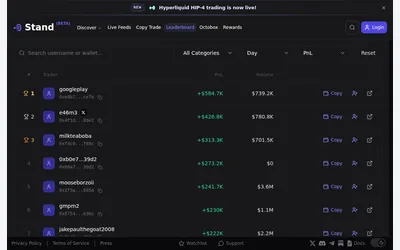

Research markets and traders in a web terminal before entering account-dependent trading and copy settings.
- Access Web
Explore a workflow
Choose how much of the trading workflow you want a tool to perform. This family includes trader copying, strategy automation, arbitrage research, liquidity workflows and simulation, with different demands on execution and supervision.
Compare sizing, budgets, order handling and exits. For copying, identify which trader activity becomes eligible for your orders. For strategy and liquidity tools, read what the automation manages and what remains your responsibility. Features differ between products.
Compare operating costs for the selected mode, including any stated subscription, execution and infrastructure charges. A simulation result and a live fill are different evidence. Select the relevant category to investigate the exact workflow.
Research markets and traders in a web terminal before entering account-dependent trading and copy settings.
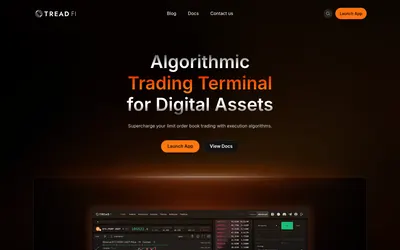
Control how orders are worked across connected accounts, then review fills and transaction costs.
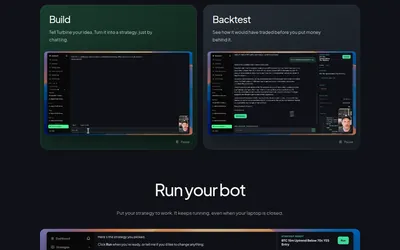
Move from a strategy description through backtesting and paper trading to a hosted bot.
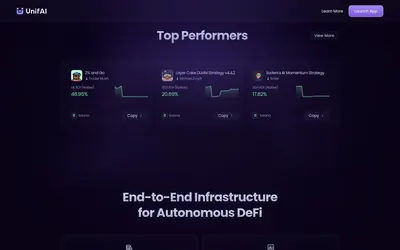
A DeFi agent platform with reusable strategies, a continuous execution layer and documented Polymarket endgame workflows.
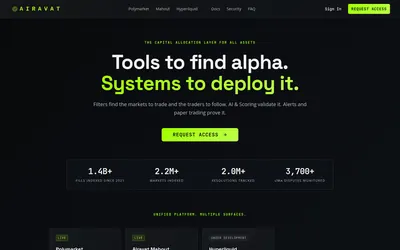
Score and filter traders, then attach alerts or simulated trading pods with sizing and exposure controls.

Find traders to follow, configure copying and monitor positions through a browser-based workflow.
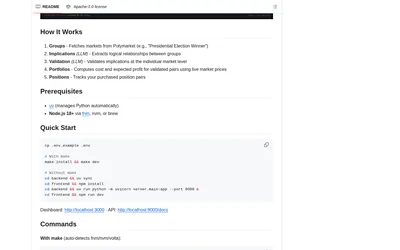
Run a local app to discover logical contract relationships, construct covering pairs and monitor paired positions.
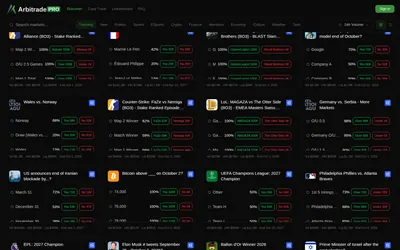
A Polymarket terminal with copy trading and six configurable position-management automations.
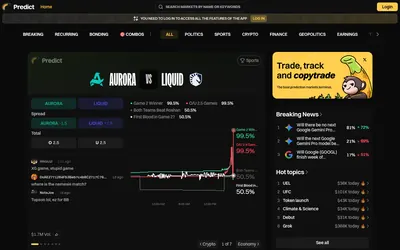
Browse breaking, recurring and bonding events, investigate wallets and continue to account-based portfolio and copying tools.
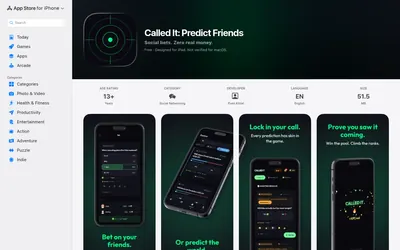
A private group can track friends' calls in virtual Cred and consult imported market odds as a reference.
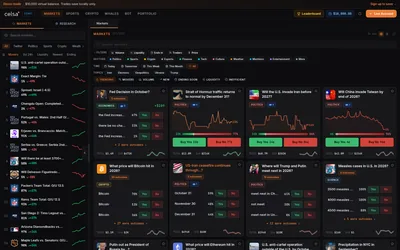
A Polymarket terminal combining a replenishable demo balance, preset automation, wallet research and market-specific context.
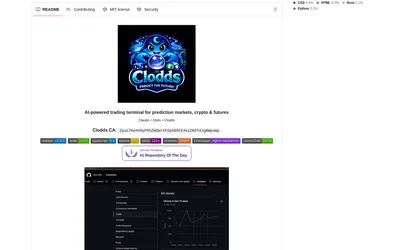
Run market research and configured strategy tools through a local chat gateway and supported messaging channels.