PredictionToolkit
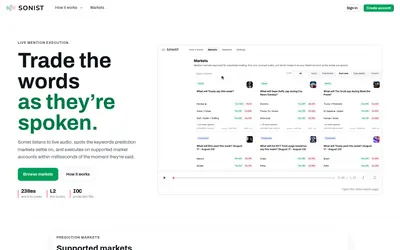

Free mention-market browsing alongside waitlisted audio-triggered execution and advanced speaker controls.
- Trading mode Read-only
- Access Web
Explore a workflow
Choose how much of the trading workflow you want a tool to perform. This family includes trader copying, strategy automation, arbitrage research, liquidity workflows and simulation, with different demands on execution and supervision.
Compare sizing, budgets, order handling and exits. For copying, identify which trader activity becomes eligible for your orders. For strategy and liquidity tools, read what the automation manages and what remains your responsibility. Features differ between products.
Compare operating costs for the selected mode, including any stated subscription, execution and infrastructure charges. A simulation result and a live fill are different evidence. Select the relevant category to investigate the exact workflow.
Free mention-market browsing alongside waitlisted audio-triggered execution and advanced speaker controls.
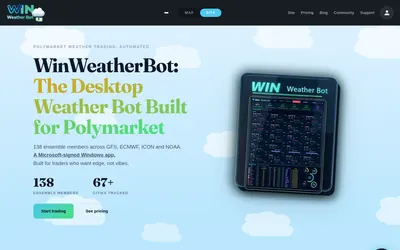
A Windows temperature-market scanner and bot with station mapping, exposure caps and configured volatility/drawdown stops.
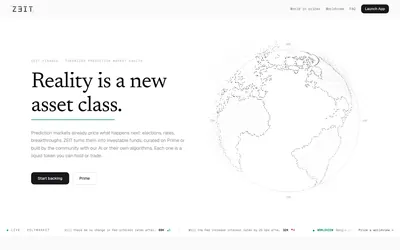
A tokenized prediction-portfolio concept with Community strategies, Prime curation and written-thesis market selection.