PredictionToolkit
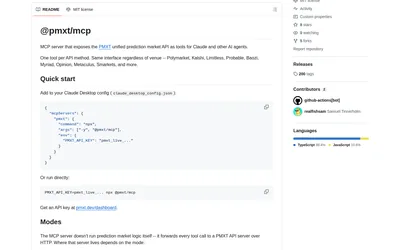

An MCP bridge to PMXT data and supported account methods, using your chosen hosted or local backend.
- Access MCP
Explore a workflow
Start with the data or action your application needs, then choose a compatible interface and access model. This family covers building blocks for research applications, data systems and trading integrations.
Compare programming languages, runtime and deployment requirements, API coverage and entitlements. A repository can supply code without granting access to a hosted dataset. Read the relevant software and data licensing terms.
Separate public research reads from account operations. Establish the credentials and permissions needed for each action before enabling them in your application or agent. Move to infrastructure tools when the main task is running the service rather than choosing its data interface.
An MCP bridge to PMXT data and supported account methods, using your chosen hosted or local backend.
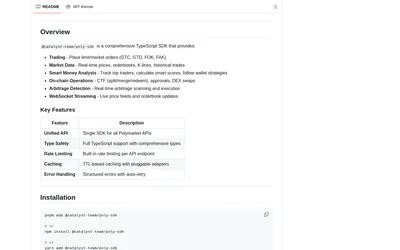
Combine data clients, wallet tracking and strategy examples in a third-party TypeScript toolkit.
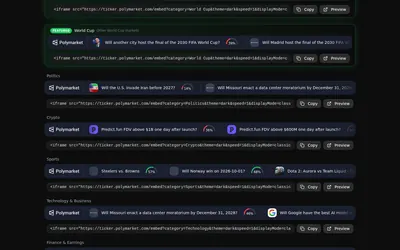
A configurable scrolling market overlay with category previews, custom selection and browser-source or embed output.
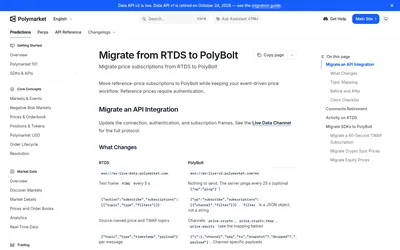
Keep the legacy activity topic while adapting reference-price clients to authenticated PolyBolt channels.
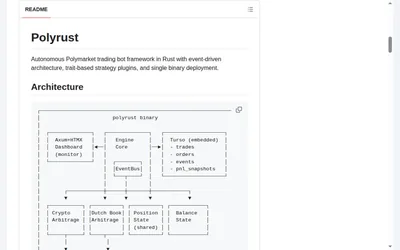
A Rust framework reference for strategies, paper execution, replay and monitoring, with a material configuration caveat.
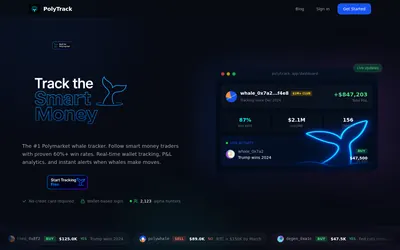
Keep a wallet shortlist and compare positions, sizing and activity hours, with paid exports and alerts.
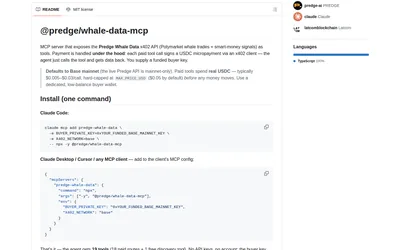
Discover endpoints freely, then pay per request for whale, wallet and supported outcome records.
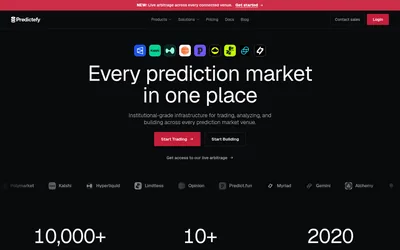
Normalized prediction-market data, matched contracts, replay and paper trading for multi-venue research.
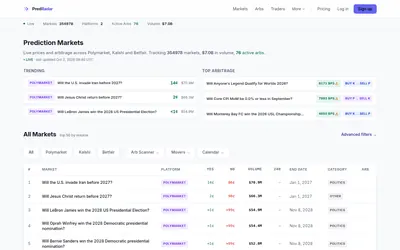
A market aggregator with price-gap scans, movers, calendars and metered API/MCP access.
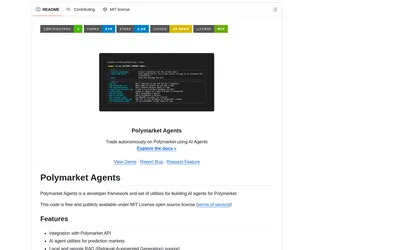
Connect market data, retrieved research and model prompts in an official Python framework that needs development work.
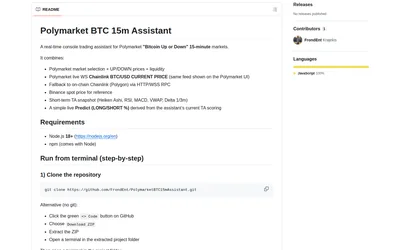
Watch outcome prices, liquidity and separate BTC references beside an indicator-derived directional score.
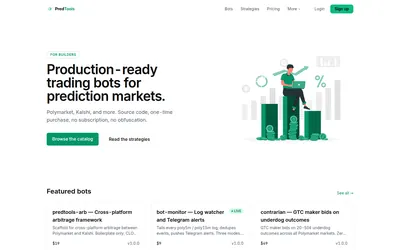
Buy bot source code and utilities once, then inspect, configure and operate them yourself.