PredictionToolkit
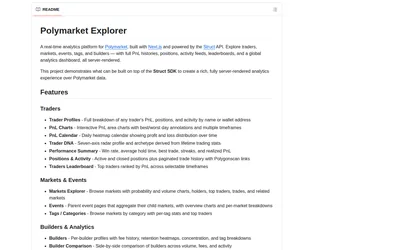

A Next.js analytics application reference with trader charts and market pages, requiring a replacement for its former backend.
- Language TypeScript
Explore a workflow
Start with the data or action your application needs, then choose a compatible interface and access model. This family covers building blocks for research applications, data systems and trading integrations.
Compare programming languages, runtime and deployment requirements, API coverage and entitlements. A repository can supply code without granting access to a hosted dataset. Read the relevant software and data licensing terms.
Separate public research reads from account operations. Establish the credentials and permissions needed for each action before enabling them in your application or agent. Move to infrastructure tools when the main task is running the service rather than choosing its data interface.
A Next.js analytics application reference with trader charts and market pages, requiring a replacement for its former backend.
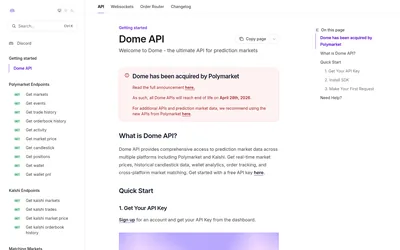
Retired hosted API toolkit retained as a reference for existing data and streaming integrations.
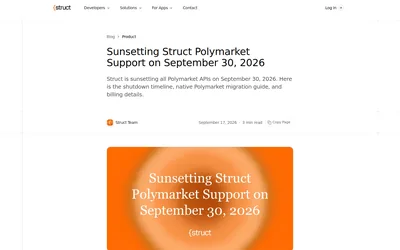
The Polymarket API and hosted Explorer have closed; use the shutdown guidance to replace an existing integration.