 PredictionToolkit

What is pmxt-mcp?
The integration gives an assistant a route into an existing PMXT workflow rather than creating a separate dataset. Results inherit PMXT’s venue schemas and adapters. Keep venue and outcome identity visible when interpreting a market or book response.
Choose a hosted PMXT connection or a local pmxt-core runtime before setting credentials. Research, account reads and execution have different access needs. Start with market and book tools, then add only the account operations intended for the workflow and use the MCP client’s action confirmations.
Who it is for
- Developers integrating prediction-market research with assistants.
- MCP users with an existing PMXT workflow.
- Teams defining separate research and account access.
Clients and supported operations
- Market tools
Discover supported markets and retrieve structured data.
- Book research
Inspect prices and books through PMXT methods.
- Account reads
Read supported balances and positions when configured.
- Optional order tools
Order methods need a supporting backend, venue and credentials.
- Hosted or local backend
Choose PMXT service infrastructure or your own runtime.
- Inherited venue support
Schemas and capabilities follow the underlying PMXT adapters.
Development workflows
Connect research tools
Configure the MCP server, start with markets and books, and verify venue and outcome in each response.
Add intended account actions
Configure only required access and keep order operations behind the client’s action-confirmation controls.
Pricing and total cost
Cost follows the backend: hosted calls use the PMXT plan; self-hosting adds your runtime and venue costs.
Installation and configuration
- Open the official repository and follow its package and MCP configuration guide.
- Choose a backend and supply its environment settings.
- Verify market responses identify the intended venue.
- Add account or execution access for the intended workflow.
Useful links
What to check
- Data comes through the configured PMXT backend.
- Methods inherit venue and backend support.
- Account and order tools need different access from public research.
- MCP is an interface, not an independent dataset or exchange.
A closer look
Ratings & reviews
User reviews 0
The main score switches to user ratings after 5 published reviews.
A specific example helps the next person choose the right tool.
Related tools
Browse category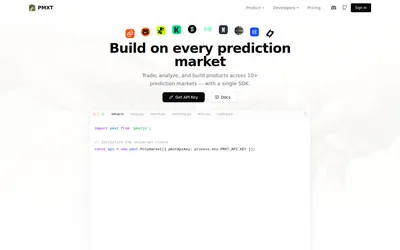
Search and match markets across venues, retrieve history and use supported trading methods with one hosted key.
- Access API
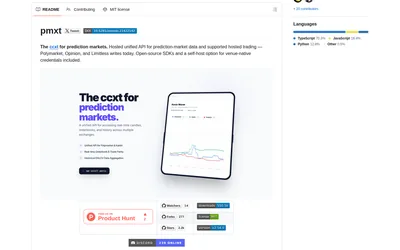
Use one Python or TypeScript interface across supported prediction venues, with an explicit hosted or local backend choice.
- Language Python · TypeScript
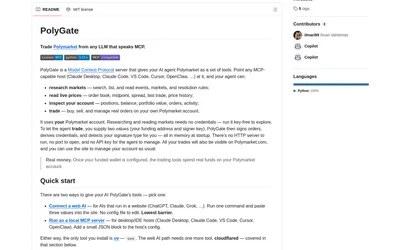
Run public market research locally or connect a supported web client through a temporary authenticated tunnel.
- Language Python
- Access CLI · MCP
Frequently asked questions about pmxt-mcp
Does MCP make every venue tradable?
No. Methods depend on the configured backend and venue.
Can I begin with research only?
Yes. Start with market and book tools without execution credentials.
Is hosted PMXT required?
The documented ecosystem supports hosted and local backends.