PredictionToolkit
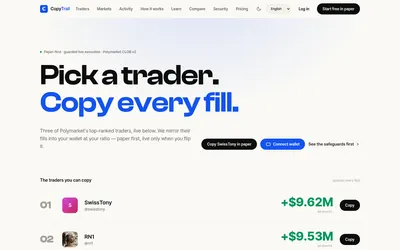

Start in paper mode, size copies by ratio and use explicit budgets, slippage and live activation controls.
- Trading mode Paper · Live automation
- Access Web
366 tools. One searchable catalog.
Explore trading apps, analytics, APIs and research for the Polymarket and Kalshi ecosystems. Compare documented functions, costs and access requirements for the task you want to tackle.
Start in paper mode, size copies by ratio and use explicit budgets, slippage and live activation controls.
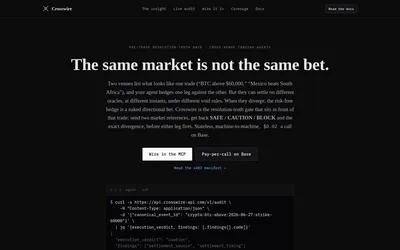
Structured settlement comparisons for covered Polymarket and Kalshi contract pairs.
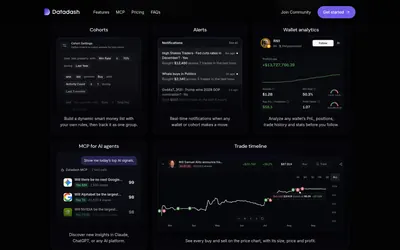
Build wallet groups, inspect copyability and receive cohort alerts in-app or through Telegram.
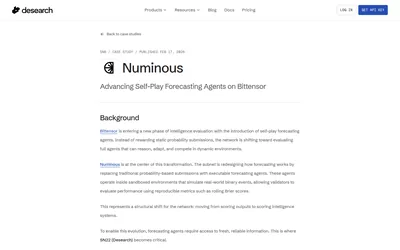
Usage-priced web and social retrieval for forecasting agents, documented through a Numinous integration case study.
A credit layer for adding quoted Polymarket leverage to an existing trading interface.
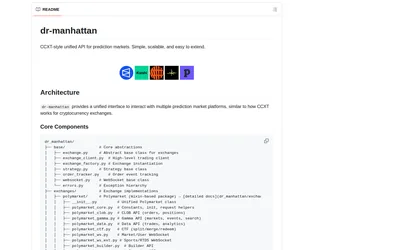
Use shared Python market and order methods across venues, with optional local or hosted MCP access.
Explore workflows
Choose a task, then find the tools for each step.
Research a trader, then decide between simulated, manual and live copying. Review the costs and available controls at every stage.
Follow the workflow Discover → Inspect → MonitorCompare wallet trackers, examine positions and use activity records to understand the context of a trader’s actions.
Find wallet-tracking tools Choose data → Integrate → AnalyzeFind APIs, SDKs and historical datasets suited to your dashboard, research process or trading application.
Explore developer toolsLearn the essentials
Find out when public data needs no key and how authentication works for private CLOB requests.
Read guideMatch your task to Gamma, CLOB or Data API, and distinguish market IDs, outcome-token IDs and wallet identifiers.
Read guideExplore the apps, data services and research resources around Polymarket. Start with your task, then inspect each tool's features, costs and limitations before visiting the official product.
Move from trading interfaces and wallet research to APIs, infrastructure and learning resources. Categories describe the job a tool supports, so the same product may appear in more than one place.
Use guides and workflows to understand how the available tools fit together and which steps depend on a specific product or data source.