 PredictionToolkit
What is dr-manhattan?
Common models and method names reduce repeated integration code, but signing and account setup stay venue-specific. A Strategy base class and order tracker support recurring strategy code, event logs and standardized errors.
Choose local MCP or the separately configured hosted route deliberately. Remote MCP documents Polymarket trading only, with other venues read-only. For Predict.fun, the factory key is predictfun while the low-level venue ID is predict.fun. Some legacy examples need comparison with current official collateral and client conventions.
Who it is for
- Python developers using several venues.
- Teams building strategy and order services.
- Technical users exposing tools through MCP.
Features and coverage
- Exchange interface
Read markets, balances, positions and books with common models.
- Order methods
Create or cancel with venue-specific parameters.
- Real-time adapters
Use supported WebSocket transports.
- Typed models
Market, order, position and order-book objects.
- Strategy class
Build recurring strategies around the exchange client.
- Order tracker
Log events and handle standardized errors.
- MCP
Run a local server or configure the hosted route separately.
Workflows with dr-manhattan
Build a public reader
Create public instances, fetch a small set and retain native IDs inside the shared model.
Add a strategy
Implement a callback for one venue with explicit order parameters and tracking.
Expose MCP tools
Install dependencies, select the correct Python environment and configure credentials for the required operations.
Pricing and total cost
Local installation has no listed software subscription. Venue access, credentials, infrastructure and third-party services have separate requirements.
Getting started
Before you start: Remote MCP supports trading on Polymarket only; other venues are read-only.
- Create a Python environment and install supported dependencies.
- Start with a public exchange or the documented factory path with validation disabled.
- Read markets before private methods.
- Set venue-specific account credentials.
- For MCP, add its dependencies and point the client to the correct environment.
Predict.fun uses factory key predictfun but low-level ID predict.fun.
Useful links
What to check
- Remote MCP supports trading on Polymarket only; other venues are read-only.
- Common methods do not replace venue-specific signing.
- Legacy collateral or client examples may need updating against official venue docs.
A closer look
Ratings & reviews
User reviews 0
The main score switches to user ratings after 5 published reviews.
A specific example helps the next person choose the right tool.
Related tools
Browse category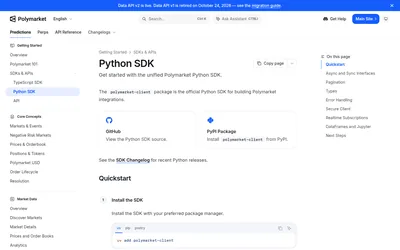

Typed sync and async clients for scripts, notebooks, account workflows and real-time subscriptions.
- Language Python
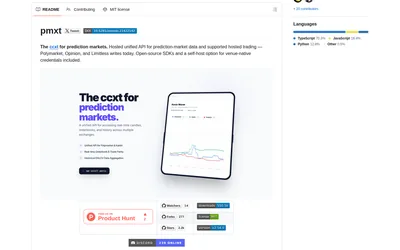

Use one Python or TypeScript interface across supported prediction venues, with an explicit hosted or local backend choice.
- Language Python · TypeScript
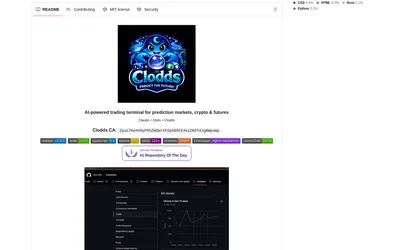
Run market research and configured strategy tools through a local chat gateway and supported messaging channels.
- Access Web · Telegram · Discord · MCP
Frequently asked questions about dr-manhattan
Can public reads avoid private keys?
Yes. Public exchange instances and the documented read-only factory path support discovery.
Can remote MCP trade every venue?
No. Only Polymarket trading is documented there.
Can I add an exchange?
The repository provides an Exchange base class and registration pattern.
Are strategies supported?
Yes. Strategy works with the exchange client and order tracker.