PredictionToolkit
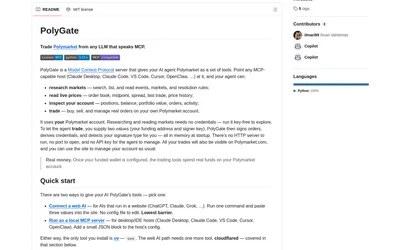
Run public market research locally or connect a supported web client through a temporary authenticated tunnel.
- Language Python
- Access CLI · MCP
Find your toolkit
An MCP server connects an assistant to documented research and data tools. Choose it by what the assistant can read or change, then inspect the upstream service and operating requirements.
Market lookup, order-book reads, positions and order actions are separate capabilities. A common MCP interface does not mean every listed venue supports every method. Check exchange coverage and response identifiers for the calls you need.
Enable trading actions only with deliberate authorization and an understood permission scope. A research connection should be evaluated on its own merits before adding signing capabilities. Compare SDKs when your application needs direct code integration rather than assistant-facing tools.
Run public market research locally or connect a supported web client through a temporary authenticated tunnel.
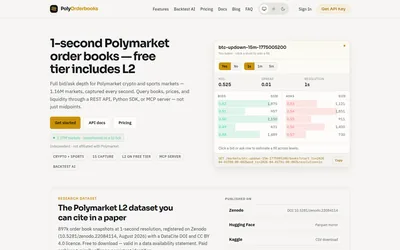
Query historical books at 250 ms intervals or replay supported crypto strategies with depth-based fills.
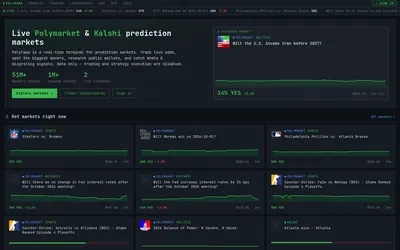
Compare market movers and public traders using the venue, ranking metric and time window relevant to your question.
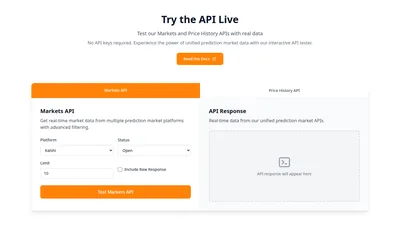
Query markets, books, trades, price history and standardized sports data through one REST interface.
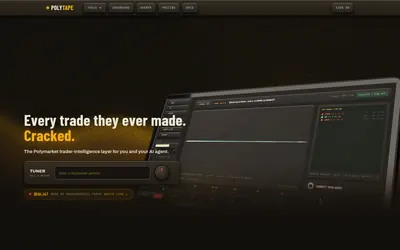
Read the sequence behind a trader’s result through market-level fills, position replay and saved activity.

Wallet diagnostics and copy scores with Telegram alerts and authenticated REST/MCP access.
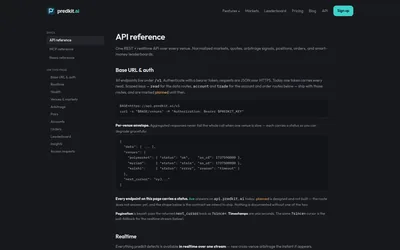
Normalized multi-venue data, matched markets and resumable alerts, with explicit feature-status limits.
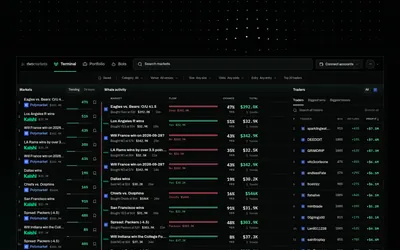
Move from trader research to rules, historical tests and paper bots, with venue-specific live activation.
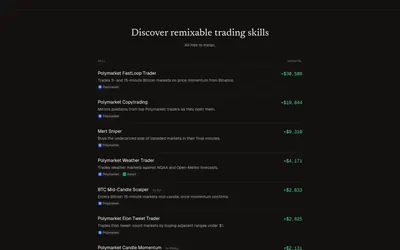
Install or create agent trading skills, start in simulation and inspect decisions under account-level limits.
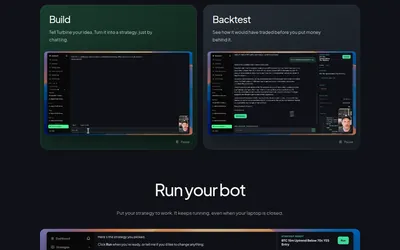
Move from a strategy description through backtesting and paper trading to a hosted bot.
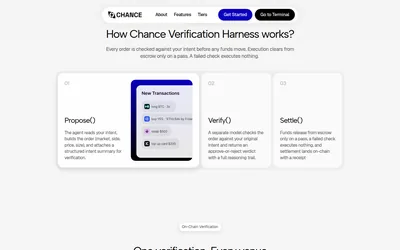
A separate verification step for matching proposed trading actions to their original instructions.
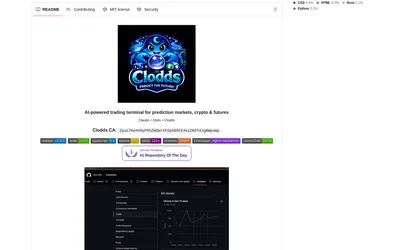
Run market research and configured strategy tools through a local chat gateway and supported messaging channels.