PredictionToolkit
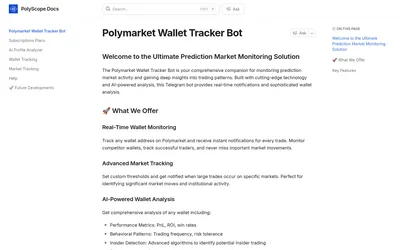
Label wallets, pause noisy alerts and monitor large market trades with optional AI analysis.
- Access Telegram
Explore a workflow
Start with the question you want to answer: who holds a market, how a trader performed, where activity is changing or what is happening to your portfolio. This section brings together several kinds of analytics rather than one ranking method.
Before comparing two results, align their reporting periods and read the P&L methodology. Check refresh timing and whether a figure describes realized trades, open positions or another stated measure. A large number without that context is difficult to interpret.
Choose a dashboard when you need to inspect a view, or an alert when you need an event delivered. Neither a ranking nor a notification on its own explains a trader’s full approach. Follow the relevant category to compare the actual documented feature.
Label wallets, pause noisy alerts and monitor large market trades with optional AI analysis.
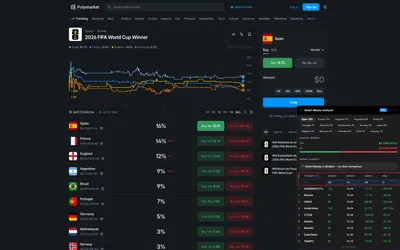
A holder-analysis extension with capital totals, wallet records and a sortable Pro research table.
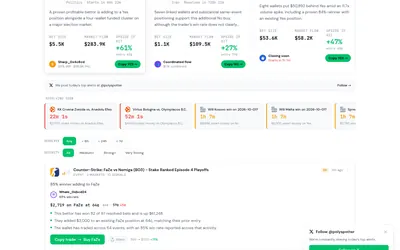
Follow selected Polymarket trades into wallet records, grouped events and cross-market positions.
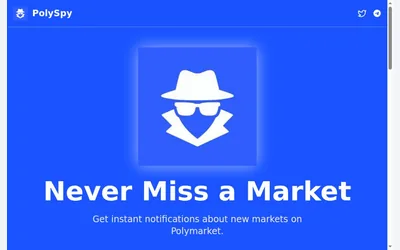
Telegram notifications for newly listed Polymarket questions, filtered to your topics.
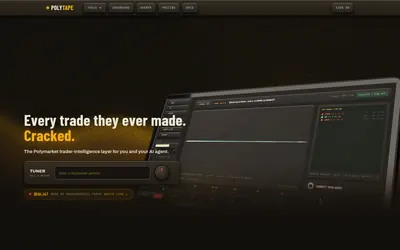
Read the sequence behind a trader’s result through market-level fills, position replay and saved activity.
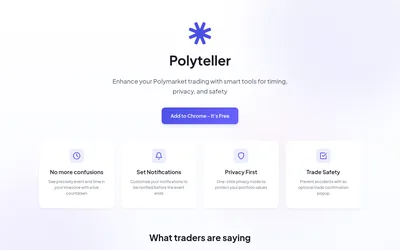
A free browser extension for local-time deadlines, reminders, hidden portfolio values and optional order-click confirmations.
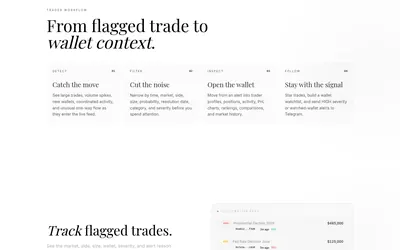
Polymarket trade investigation with wallet context, feed filters and Telegram notifications for high-severity events or watched wallets.
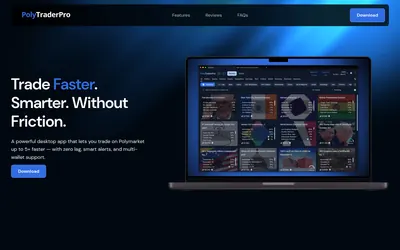
A desktop terminal with multiple accounts, order management, liquidity alerts and outcome-token operations.
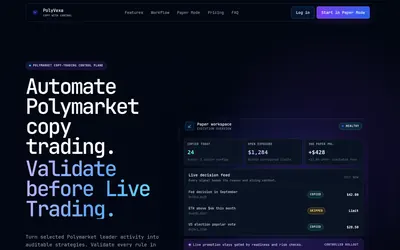
A copying workspace with per-leader rules, paper positions, skipped-signal logs and a separate live-promotion step.

Wallet diagnostics and copy scores with Telegram alerts and authenticated REST/MCP access.
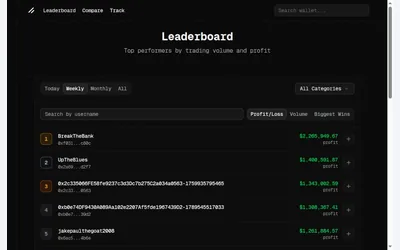
Public wallet discovery with separate period and ranking metrics, plus positions and performance context.
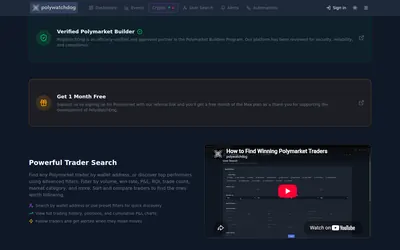
Build a watch screen, define the conditions worth an alert and inspect any copy or webhook action separately.