PredictionToolkit
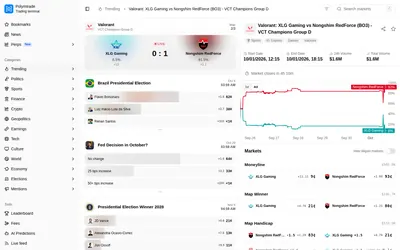

Browse Polymarket on web or mobile, compare outcome charts and rules, and review your account's fee before an order.
- Trading mode Manual
- Access Web · iOS · Android
Find your toolkit
Find an interface for checking events and managing a trading workflow away from a desktop. Start with the device and task you need, then inspect the product’s current access requirements.
A mobile-oriented product can expose different functions across devices or account paths. Check what actually loads in your session before relying on it for a trading task.
Browse Polymarket on web or mobile, compare outcome charts and rules, and review your account's fee before an order.
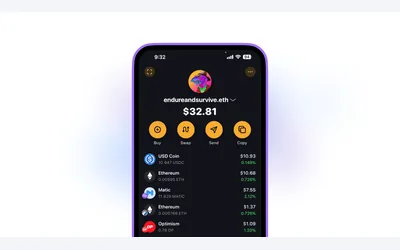
A self-custody phone wallet advertising Polymarket predictions alongside crypto and separate Hyperliquid perpetuals.
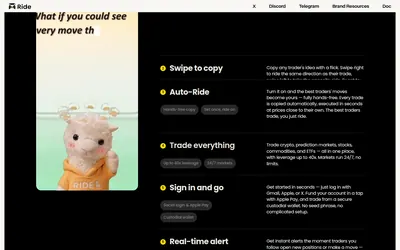
Follow trader ideas on mobile with Smart Consensus, manual swipes or a separate Auto-Ride workflow.
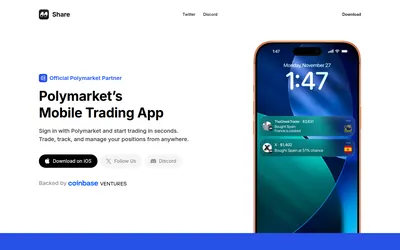
An iOS Polymarket interface combining market charts, positions, public-wallet notifications and social copy discovery.

A mobile self-custody wallet combining Polymarket access, multichain funding and separate AI perpetual-trading tools.