 PredictionToolkit
What is Polymtrade?
Search an event or move through categories and related markets. Outcome quotes, chart windows and volume provide price context, while the event description and source-market link let you check what the contract actually resolves.
Account onboarding supports a wallet connection or email flow. AI tools and PM-token benefits are also described, but the commercial terms need care: token pages disagree about buyback locking versus burning, and the public Fees page lacks a complete rate table.
Who it is for
- Traders who prefer a compact mobile interface.
- Users comparing chart movement with settlement rules.
- People moving between browser, iOS and Android.
Features and coverage
- Market discovery
Search events and browse categories or related markets.
- Quotes and charts
Inspect outcome prices, available chart windows and volume.
- Contract rules
Read the event description and open its Polymarket source.
- Mobile apps
Official documentation links iOS and Android destinations.
- Account entry
Connect a supported wallet or follow email-based account creation.
- AI and PM benefits
The product describes AI features and token-dependent fee benefits.
Workflows with Polymtrade
Research an event
Choose an outcome and inspect its chart, volume and rules. Compare the terminal with the linked Polymarket market.
Prepare a manual order
Set the outcome and amount, check the asset and funding chain, then read the final quote and service fee before signing.
Pricing and total cost
Use your account's order preview to establish the fee actually quoted. The token page describes a 0.5% buy/sell rate and a zero-fee benefit for holding at least 1 million PM, but the public Fees page does not supply a complete table.
Getting started
Before you start: Token eligibility affects the fee benefit.
- Open the official website or its verified mobile-store link.
- Connect a supported wallet or use the email account flow.
- Select an event and outcome.
- Review the requested asset, funding chain, fee and order quote before confirming.
Advertised fee benefits depend on token eligibility.
Useful links
What to check
- Token eligibility affects the fee benefit.
- Mobile and browser controls can differ.
- Conflicting descriptions of buyback locking and burning do not establish one current token policy.
A closer look
Ratings & reviews
User reviews 0
The main score switches to user ratings after 5 published reviews.
A specific example helps the next person choose the right tool.
Related tools
Browse category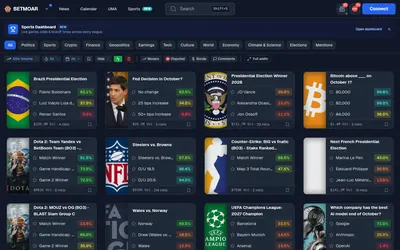
Research holders, news and UMA disputes in a trading terminal, with a Discord bot for communities.
- Access Web · Discord
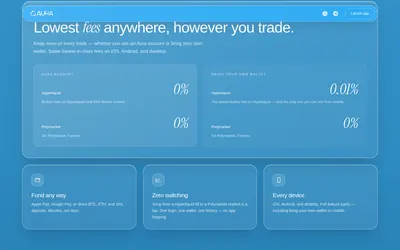

Browse Polymarket and trade Hyperliquid through a shared mobile and desktop product.
- Trading mode Manual
- Access Web · iOS · Android
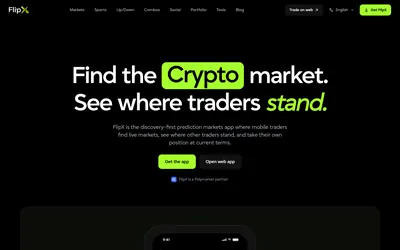
Social market discovery with an editable Tail order, watchlists and portfolio tracking on web and mobile.
- Trading mode Manual
- Access Web · Mobile app
Frequently asked questions about Polymtrade
Does Polymtrade work in a browser?
Yes. Public web browsing complements the advertised mobile apps.
Where are settlement rules?
Open the event rules and the source-market link to Polymarket.
Does everyone pay 0.5%?
That is the token page's referenced buy/sell rate; token benefits may apply. The account's actual quote is shown in the order flow.