 PredictionToolkit
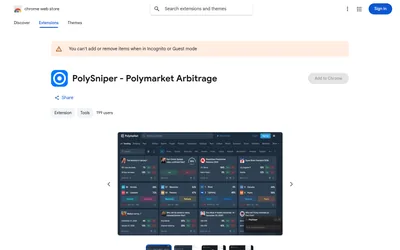

Inspect complete-set price gaps with book-verification status and estimated depth before handling execution on the venue.
- Access Browser extension
Find your toolkit
Extensions add a specific capability to the Polymarket page you already use. Choose by the research panel, news context or odds conversion you need, then check how it is installed and what access it requests.
An extension may enrich a page without becoming a standalone terminal or analytics service. Compare the documented addition and where it appears in your workflow. Not every extension covers the same event categories or browser.
Choose a dashboard for a separate analytical workspace or a broader frontend for a different trading interface. Installing an extension does not establish that every advertised panel is available for every event; inspect the specific product’s documented scope.
Inspect complete-set price gaps with book-verification status and estimated depth before handling execution on the venue.
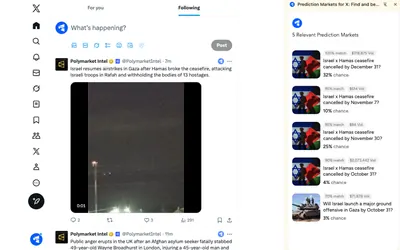
A Chrome extension that surfaces related Polymarket questions inside the X reading workflow.
