 PredictionToolkit
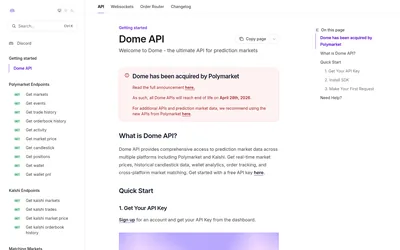

Retired hosted API toolkit retained as a reference for existing data and streaming integrations.
Find your toolkit
A client library helps your code work with a documented interface. Select it for the data, account operation or research task you need, rather than assuming every Polymarket SDK covers the same services.
Check the methods you intend to call and the API behind each one. A library for one service or action may not cover market discovery, historical data and trading together. Compare language support with your application’s runtime and deployment requirements.
Downloading a library supplies code, not automatic access to a hosted dataset or permission to trade. Keep API access and signing permissions separate from package installation. Choose a CLI for command-line work or an MCP server when the intended caller is an assistant.
Retired hosted API toolkit retained as a reference for existing data and streaming integrations.