PredictionToolkit
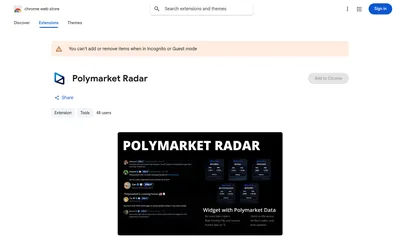

See Polymarket trading statistics while reading posts from supported X accounts.
- Access Browser extension
Find your toolkit
Investigate an event through public reports and observations. The useful path leads from a summary or indicator back to its original source and then to the contract’s question.
Direct evidence, indirect activity indicators, summaries and speculation have different roles. An unusual activity pattern can prompt investigation without establishing that the contract’s event happened.
See Polymarket trading statistics while reading posts from supported X accounts.

Paste a Polymarket or Kalshi contract link to start a focused AI research task through Valyu.
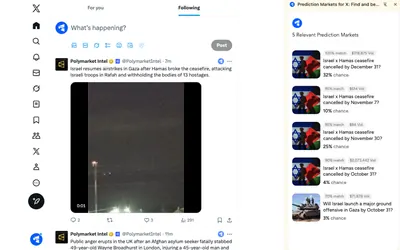
A Chrome extension that surfaces related Polymarket questions inside the X reading workflow.
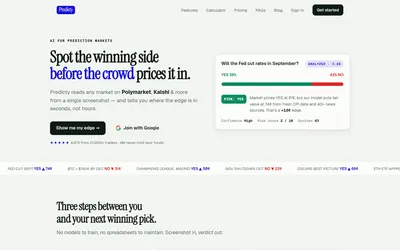
Screenshot-based AI research with a fair-value comparison, confidence, risk scores, daily picks and coaching.
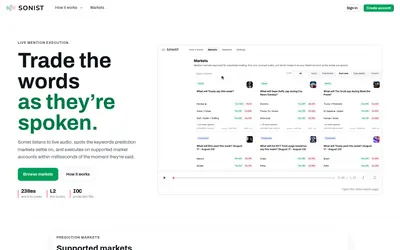
Free mention-market browsing alongside waitlisted audio-triggered execution and advanced speaker controls.