PredictionToolkit
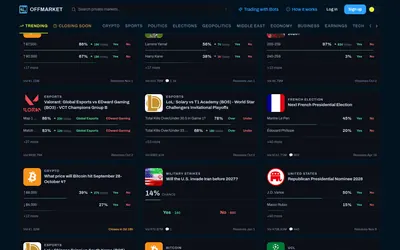

Use Polymarket markets through an interface that says it avoids publicly linking positions to the OffMarket account.
- Trading mode Manual
- Access Web
Explore a workflow
Choose the interface around the way you work: a full trading workspace, a mobile app, an addition to the existing page or a view spanning several venues.
Compare market coverage, order controls and account access. A research overlay and a terminal that submits orders need different permissions. Read the wallet-signing requirements and distinguish the interface from the underlying services before connecting an account.
Use Polymarket markets through an interface that says it avoids publicly linking positions to the OffMarket account.
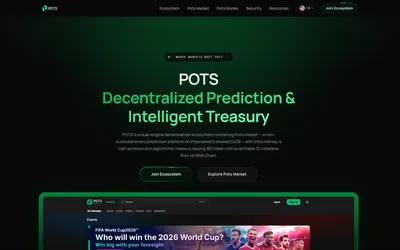
A Polymarket-connected market interface alongside a distinct BNB Chain treasury and token system.
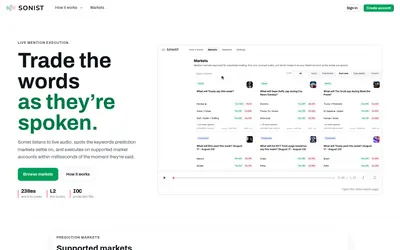
Free mention-market browsing alongside waitlisted audio-triggered execution and advanced speaker controls.