 PredictionToolkit

What is Polymarket Analytics?
The Filters panel includes ranges for overall PnL, active and total positions, total gains and losses, and win rate, with Apply Filters and Clear Filters controls. Active positions and net worth appear alongside profit, helping distinguish wallets with different exposure and sample sizes.
Rankings describe history. Inspect concentration, entry prices, unrealized positions and the calculation window before interpreting a result. A high-ranked wallet’s later trade need not suit a follower, and a later entry can produce a different outcome.
Who it is for
- Traders researching wallets before following them.
- Analysts comparing activity across categories.
Features and coverage
- Rankings and categories
Compare wallets over available periods and narrow to politics, sports, crypto or another category.
- Detailed range filters
Filter PnL, active/total positions, gains, losses and win rate; apply or clear the ranges explicitly.
- Exposure and market context
Read active positions and net worth beside profit, and move between market activity and participating wallets.
Workflows with Polymarket Analytics
Shortlist with context
Choose category and period, then combine a result range with a meaningful position-count range before opening a candidate.
Investigate concentration
Check whether performance comes from several markets or a few large outcomes and compare positions with reported results.
Pricing and total cost
Trader rankings are publicly browsable. Separate API or premium access terms are not established.
Access: Public research views do not require a connected trading wallet.
Getting started
Before you start: Historical ranks depend on the calculation period and treatment of unrealized positions.
- Open the leaderboard and choose category and time window.
- Use Filters to narrow results and position counts, reviewing gains and losses together.
- Open a wallet and inspect exposure and concentration before drawing conclusions.
Research is publicly browsable without connecting a trading wallet; account watchlists and execution are separate actions.
Useful links
What to check
- Historical ranks depend on the calculation period and treatment of unrealized positions.
- A PnL-only shortlist can hide different exposure and sample sizes.
- Linked execution products have their own accounts and terms.
A closer look
Ratings & reviews
User reviews 0
The main score switches to user ratings after 5 published reviews.
A specific example helps the next person choose the right tool.
Related tools
Browse category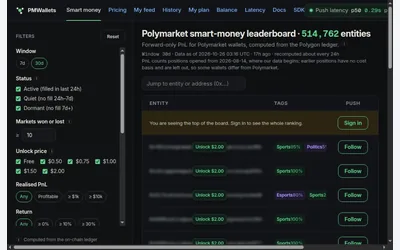

Entity-level wallet research with uncertainty metrics, accounting caveats and explicit address-access costs.
- Access Web
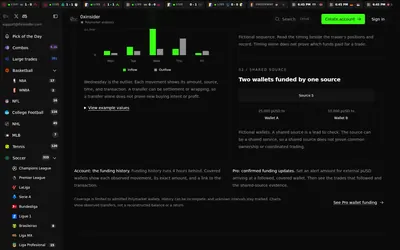

Compare sports prices and graded-wallet exposure, inspect unusual trades and connect the same research to an API.
- Access Web · API · MCP
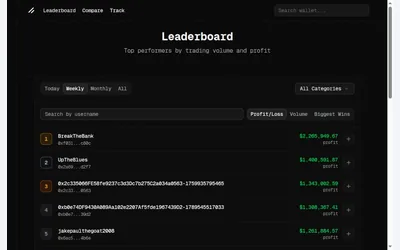
Public wallet discovery with separate period and ranking metrics, plus positions and performance context.
- Access Web
Guides and workflows
Frequently asked questions about Polymarket Analytics
Is a high rank a copy recommendation?
No. Inspect position size, concentration and entry prices; a follower’s later entry can have different results.
Is it a copy-trading bot?
The dashboard is analytics. Execution products linked from it have separate accounts and terms.
Can I filter beyond categories?
Yes. The numeric Filters panel covers PnL, positions, gains, losses and win rate, with apply and clear controls.