 PredictionToolkit

What is ScoreEdge?
Choose score changes, lead thresholds, home runs, three-pointers or other supported play types, then narrow the rule by team and game phase. Messages include the score, time remaining, event description and a market-timing note.
The published standard plans are separate from the beta banner granting Pro access without a card. Elite and SMS remain labeled coming soon. Check the rule builder for active sport coverage and scheduled launches rather than assuming every sport is already available.
Who it is for
- Sports-market users following selected games.
- Users who want notifications away from a dashboard.
- Traders reducing noise by team, phase and event type.
Features and coverage
- Sport, team and phase rules
Select score changes, lead thresholds and individual plays, then filter to the games and situations you want to follow.
- Game context and player momentum
Messages carry score and time context; player rules can track repeated achievements such as multiple home runs or three-pointers.
- Telegram and email delivery
Link Telegram in settings or choose email as the alternative notification channel.
- Alert history
Review delivered messages within the retention period of the selected plan and refine rules before broadening them.
- Beta entitlement
The beta banner grants free Pro access to beta accounts without requiring a card; it does not make coming-soon Elite features available.
Workflows with ScoreEdge
Follow a close game
Select the team, late-game phase and margin trigger, then compare incoming alerts with the current market.
Track a player event
Choose the play trigger and confirm that the market contract counts the same event.
Reduce notification noise
Start with narrow rules, inspect alert history and expand only when the selected events match your needs.
Pricing and total cost
Published standard tiers are shown below. A separate beta banner grants free Pro access without a card; verify the account’s beta entitlement.
Free
$0
- 10 alerts/day
- Telegram and email
- 7-day history
Pro
$19/month standard price
- Unlimited alerts
- Play-by-play triggers
- 90-day history
Elite
$49/month — coming soon
- Planned SMS and priority processing
- Planned 1-year history
Getting started
Before you start: Elite and SMS are marked coming soon.
- Create an account and select the sport, team and trigger.
- Link Telegram or email in settings.
- Check the selected standard plan and any beta entitlement.
- Review delivered messages and adjust the rules.
- Open the venue separately and inspect its current price and book before taking action.
A game-event message is not an executable market quote; check the venue’s current price and order book on receipt.
Useful links
What to check
- Elite and SMS are marked coming soon.
- Active sport coverage and future launches should be checked in the rule builder.
- A score alert and the contract’s official settlement source may differ.
- Free Pro beta access is distinct from the published standard subscription price.
A closer look
Ratings & reviews
User reviews 0
The main score switches to user ratings after 5 published reviews.
A specific example helps the next person choose the right tool.
Related tools
Browse category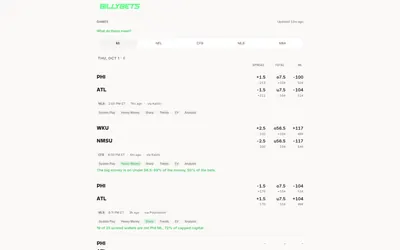

Compare sports prices and signal reasons in the app or query the same precomputed game research through MCP.
- Access Web · MCP
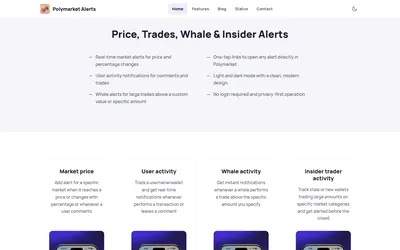

Set mobile thresholds and follow public wallets, then keep the same events organized through watchlists, disputes and a resolution timeline.
- Access iOS · iPadOS · Android
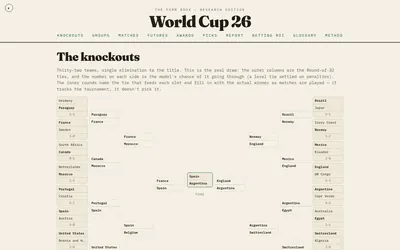

A historical football-research archive connecting team form, match forecasts, tournament views and Polymarket comparisons.
- Access Web
Frequently asked questions about ScoreEdge
Does ScoreEdge trade automatically?
The described product delivers notifications. Any action in Kalshi or Polymarket is separate.
How is Telegram connected?
The notification destination is linked through account settings; email is also available.
What is the standard free allowance?
The standard Free plan includes 10 alerts/day.
Is SMS available?
SMS is listed as planned under the coming-soon Elite tier.