 PredictionToolkit

What is Polymarket Alerts?
Whale alerts use a custom trade-value threshold. Unusual-wallet filters focus on large transactions from new, low-activity or dormant addresses, which are activity heuristics rather than proof of private information. Watchlists group markets and users, and alerts link back to the relevant venue page for context and action.
After trading ends, a topic-filtered timeline separates closed and resolved markets, while a dedicated disputes area makes challenged outcomes searchable. Light/dark mode and phone/tablet layouts support mobile use. iPhone requires iOS 18 or later and iPad requires iPadOS 18 or later; delivery still depends on permissions, settings and connectivity.
Who it is for
- Mobile users following prices and public wallets.
- Users wanting push monitoring without an app login.
- Researchers tracking resolution and dispute activity.
Features and coverage
- Price and percentage alerts
Watch an absolute outcome price or a percentage movement.
- Public-user activity
Follow transactions and comments by username or public-wallet address.
- Whale and unusual-wallet filters
Set a custom trade-value trigger and filter large trades from new, low-activity or dormant wallets by category.
- Market and user watchlists
Group the markets and public users you want to monitor.
- Resolution timeline and disputes
Review closed or resolved markets with topic filters and search a dedicated section for challenged outcomes.
- Direct venue links
Open the relevant market or user page from a notification.
- Phone and tablet layouts
Use light/dark appearance and dedicated phone/tablet interfaces on the supported mobile platforms.
Workflows with Polymarket Alerts
Watch a price level
Choose the market and threshold, enable notifications and inspect the original market after the alert arrives.
Monitor public-wallet activity
Add a public address, select trade or comment activity and organize it in a watchlist.
Track the event after trading
Use the timeline and disputes sections to follow settlement and challenges after the market closes.
Pricing and total cost
The website advertises a free download but does not display a full in-app purchase or subscription table. Free download should not be expanded into a claim that every feature has no charge.
Getting started
Before you start: The stated minimum is iOS 18 for iPhone and iPadOS 18 for iPad, or later versions.
- Use the official App Store or Google Play link to install, then allow the notification permissions needed.
- Choose a market or public wallet, then set thresholds, activity types and category filters.
- Organize the watchlist and inspect disputes and timeline views.
iPhone requires iOS 18 or later; iPad requires iPadOS 18 or later.
Useful links
What to check
- The stated minimum is iOS 18 for iPhone and iPadOS 18 for iPad, or later versions.
- Unusual-wallet flags are activity heuristics, not proof of inside information.
- Mobile delivery depends on settings, permissions and connectivity.
- The app monitors and links to the venue for action.
A closer look
Ratings & reviews
User reviews 0
The main score switches to user ratings after 5 published reviews.
A specific example helps the next person choose the right tool.
Related tools
Browse category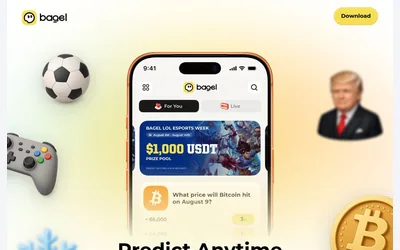

A social prediction app with documented trader copying, limit orders and released combos.
- Access iOS · Android
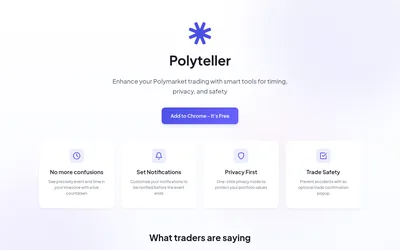

A free browser extension for local-time deadlines, reminders, hidden portfolio values and optional order-click confirmations.
- Access Browser extension
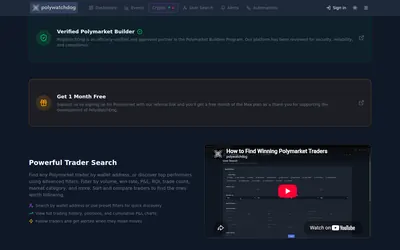
Build a watch screen, define the conditions worth an alert and inspect any copy or webhook action separately.
- Access Web · Telegram · API
Frequently asked questions about Polymarket Alerts
Do I need an app account?
The website says no app login is required.
Is Android supported?
Yes. The supported mobile list includes Android phones and tablets alongside iOS and iPadOS.
Can I follow disputed outcomes?
Yes. A dedicated disputes section lets users search challenged markets.
Can a notification open the market?
Notifications include direct links to the relevant market or user on the venue.