 PredictionToolkit

What is PM Atlas?
Start with a mechanism definition or a venue profile, then follow the cited research and concept links. The ecosystem matrix shows coverage across chains and audiences, while comparison views expose differences between selected platforms or mechanisms. Status and dataset updates appear within the directory, so an entry should be read together with its lifecycle label.
The publisher discloses that its team is building Dekant. Its taxonomy assigns a single mechanism to each venue; that is an editorial classification choice, not a complete list of every capability. Material is licensed under CC BY-NC-ND 4.0, and the announced long-form PDF report remains marked coming soon.
Who it is for
- Builders evaluating prediction-market mechanisms.
- Analysts comparing platforms and ecosystem coverage.
- Readers learning the concepts behind different market designs.
Features and coverage
- Mechanism and concept libraries
Read definitions, mechanics, applications and cited research, then follow links to projects implementing a concept.
- Filtered venue directory
Filter platforms by category, network, status and money model.
- Ecosystem matrix
Compare mechanism coverage across chains and audiences.
- Side-by-side views
Choose platforms or mechanisms and compare their fields directly.
- Lifecycle labels
Distinguish live, beta, unlaunched and dormant entries before interpreting availability.
- Keyboard controls
Use numbered sections, search and profile shortcuts to navigate the atlas.
- Project submissions
Submit a project for the publisher’s manual review.
Workflows with PM Atlas
Understand a venue
Open the profile and follow its mechanism, concept and cited-reference links.
Compare market designs
Select mechanisms in Compare and examine the field-level differences rather than only their names.
Investigate a builder opportunity
Filter the directory and matrix, then validate the underlying project sources and status before drawing conclusions.
Pricing and total cost
The atlas is publicly browsable. Its material uses the CC BY-NC-ND 4.0 license, which limits reuse. The announced long-form PDF report is not yet available.
Getting started
Before you start: The publishing team discloses its involvement in building Dekant.
- Choose Mechanisms, Directory or Concepts.
- Apply the relevant filters.
- Open a profile and inspect its cited references.
- Use Compare for the selected candidates.
- Check lifecycle status before treating a venue as live.
The atlas discloses that its publishing team is also building Dekant; consider that affiliation when reading comparisons.
Useful links
What to check
- The publishing team discloses its involvement in building Dekant.
- A single-mechanism label per venue is the atlas’s taxonomy, not exhaustive capability coverage.
- The announced PDF report is still coming soon.
A closer look
Ratings & reviews
User reviews 0
The main score switches to user ratings after 5 published reviews.
A specific example helps the next person choose the right tool.
Related tools
Browse category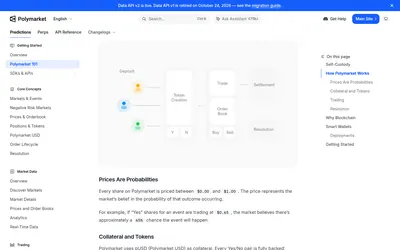

Official concepts and implementation guides for understanding how Polymarket works.
- Access Web
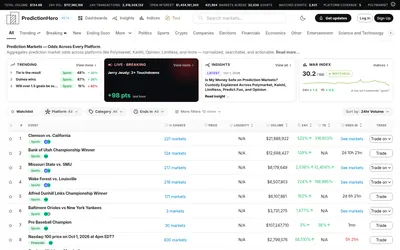

A cross-venue event browser with matched groups, liquidity filters, watchlists and thematic indices.
- Access Web · Email
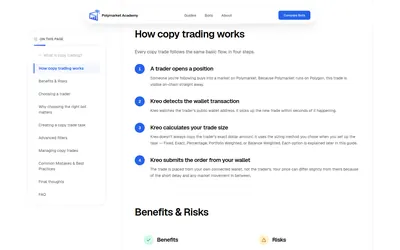

Learn copying mechanics, examine wallet-selection criteria and prepare a shortlist of web or Telegram tools.
- Access Web
Frequently asked questions about PM Atlas
Can I compare venues directly?
Yes. The comparison tool supports a pair of platforms, or a pair of mechanisms.
Are dormant projects identified?
Yes. Lifecycle labels distinguish dormant entries from live, beta and unlaunched projects.
Can I download the announced report?
The interface still marks the long-form report as coming soon; do not treat it as an available publication.