 PredictionToolkit

What is Simmer SDK?
Virtual SIM markets use an AMM. A separate paper path uses real-venue prices with live=False, including a Polymarket spread model. Historical replay runs a skill over a frozen trade tape, while live operation requires its own venue setup and permissions. These results should be compared with their model differences intact.
Client construction matters: a regular live client can process pending stop-loss or take-profit exits when a signer is configured. SimmerClient.readonly is the documented choice for status and validation without that constructor behavior.
Who it is for
- Developers building reusable agent skills.
- Comparing virtual, real-price paper and live modes.
- Adding position and risk controls around a strategy.
Features and coverage
- Markets and portfolios
Discover markets, inspect positions and history, and query portfolio buckets across venues.
- Paper modes
Use virtual SIM or real-venue prices with live=False.
- Tape replay
The optional backtest runner reports P&L, hit rate, drawdown, baselines and a configuration hash.
- Sizing helpers
Fractional Kelly and expected-value utilities support bounded allocations.
- Orders and monitors
Manage supported orders, stop/take-profit monitors and redemption.
- Skill resources
Use documented skill bundles and integration material.
- Readonly client
Avoid constructor-triggered risk exits in validation and status code.
Workflows with Simmer SDK
Develop before live
Start with virtual SIM, then compare Polymarket live=False and its spread model before adding a live signer.
Backtest a skill
Use the bundled demo or an available bounded tape. Review realism gaps and compare the reported baselines.
Build a status check
Use SimmerClient.readonly instead of constructing a live client capable of processing pending exits.
Pricing and total cost
Choose the hosted/live plan separately from installing the MIT-licensed SDK. The README assigns Kalshi access to Pro and dedicated per-agent wallets to Elite, so the code license alone does not establish that either hosted entitlement is included.
Getting started
Before you start: Virtual SIM uses an AMM; real-price paper and live books have different behavior.
- Install simmer-sdk and obtain the required Simmer API access.
- Choose venue and live/paper mode explicitly.
- Use a readonly client for status or validation.
- Run a bounded paper strategy or backtest demo.
- Set venue credentials and approvals separately before live use.
With a configured signer, a regular live constructor can process pending stop-loss or take-profit exits.
Useful links
What to check
- Virtual SIM uses an AMM; real-price paper and live books have different behavior.
- Historical replay uses trade-tape prices rather than full books.
- Tape coverage has a finite end date: inspect the available window.
- Client construction can have live exit-processing effects; select readonly for observation.
A closer look
Ratings & reviews
User reviews 0
The main score switches to user ratings after 5 published reviews.
A specific example helps the next person choose the right tool.
Related tools
Browse category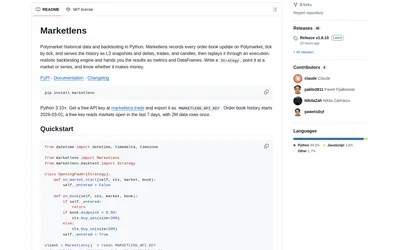

Compare fast bar experiments with detailed L2 replay, reusing downloaded history between strategy changes.
- Language Python
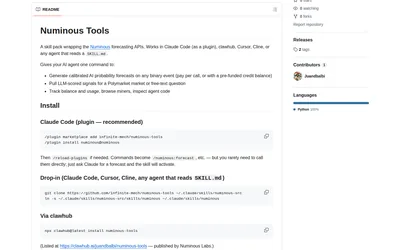
Request forecasts and market evidence from an agent while tracking separately metered API usage.
- Language Python
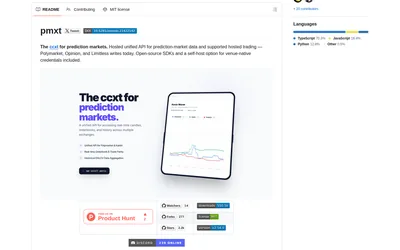

Use one Python or TypeScript interface across supported prediction venues, with an explicit hosted or local backend choice.
- Language Python · TypeScript
Frequently asked questions about Simmer SDK
Can I simulate Polymarket without funding a wallet?
Yes. The documented Polymarket live=False mode simulates trades.
Why choose readonly?
It avoids constructor-time risk-exit processing during status and validation.
Does replay reconstruct the full book?
No. The runner uses trade-tape prices and describes the resulting realism gaps.