 PredictionToolkit

What is Triad Markets?
Browse crypto, sports, esports, politics and social topics, or search for a team, candidate or market. For a specific outcome, select YES or NO and inspect the selection in the order workspace. Portfolio navigation provides access to account positions after participation.
An event with multiple outcomes is not necessarily exclusive: promotion or qualification markets may have several winners, so probabilities need not add to 100%. DFlow is visibly waitlisted, an empty Fast Markets section does not establish a tradable short-duration contract, and Token Split has separate product terms.
Who it is for
- For users researching Brazilian event markets and sports forecasters comparing tournament or qualification outcomes.
- For users exploring an independent prediction venue and its order-level cost presentation.
Features and coverage
- Topic and outcome navigation
Use categories and search to compare teams or candidates, then select YES or NO for the exact outcome contract.
- Prediction slip and fee breakdown
Review selected outcomes and size in the order workspace, including its Total Fee Distribution field before confirmation.
- Portfolio and fast-market area
Track account positions in the portfolio and check whether any short-duration contracts are actually listed in Fast Markets.
Workflows with Triad Markets
Check how many outcomes can win
Read how many teams or candidates can qualify before treating grouped outcomes as mutually exclusive or adding probabilities.
Inspect an exact selection
Open the question and intended outcome, read its resolution rule and inspect size and fee distribution in the prediction slip.
Follow a Brazilian theme
Use category and search views to compare related sports and political events, then monitor positions in the portfolio.
Pricing and total cost
The interface displays Total Fee Distribution, but the reviewed catalog does not publish a complete universal fee schedule. Use the selected market’s final order details and applicable terms.
Getting started
Before you start: DFlow is labeled waitlist, Fast Markets may be empty and Token Split needs its own product terms. None should be treated as an automatically available market or identical product.
- Open the market application and choose the intended topic, event and outcome.
- Read wording and resolution rules, then complete the supported account flow.
- Review size and total fee distribution before confirmation and track the resulting position in the portfolio.
Qualification or promotion markets may have multiple winners; their outcome probabilities need not sum to 100%.
Useful links
What to check
- DFlow is labeled waitlist, Fast Markets may be empty and Token Split needs its own product terms. None should be treated as an automatically available market or identical product.
A closer look
Ratings & reviews
User reviews 0
The main score switches to user ratings after 5 published reviews.
A specific example helps the next person choose the right tool.
Related tools
Browse category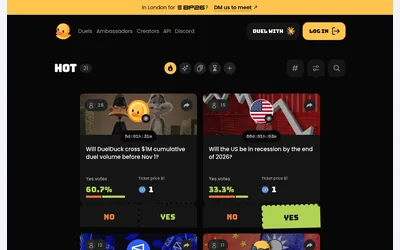

A separate Solana prediction venue for community-created yes/no duels and embeddable event questions.
- Access Web
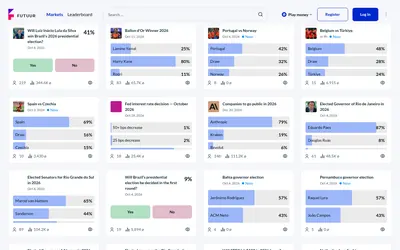

Explore event questions with separate OOM practice and supported real-money trading modes.
- Access Web · API
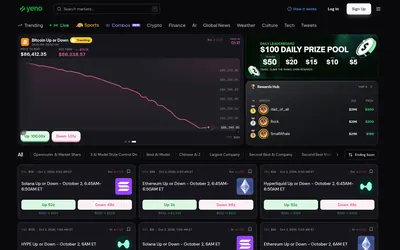

An independent Solana venue with crypto windows, sports, topic search and separate rewards and combo navigation.
- Access Web
Frequently asked questions about Triad Markets
Is the catalog only about crypto?
No. Brazilian sports and politics are prominent alongside crypto, esports and social questions.
Is DFlow shown as live?
Its navigation label is waitlist. Check actual availability rather than assuming the integration is live.